One setup, ready for the whole shift.
Explore the Blackleaf Point of Sale hardware package, supported stations, printing, and planned computing refresh.
Development preview · Availability and deployment scope confirmed for your store.
One setup, built to stay up. Blackleaf Dispensary POS plans every register, scanner, and printer as one supported system.
Fig 0.1
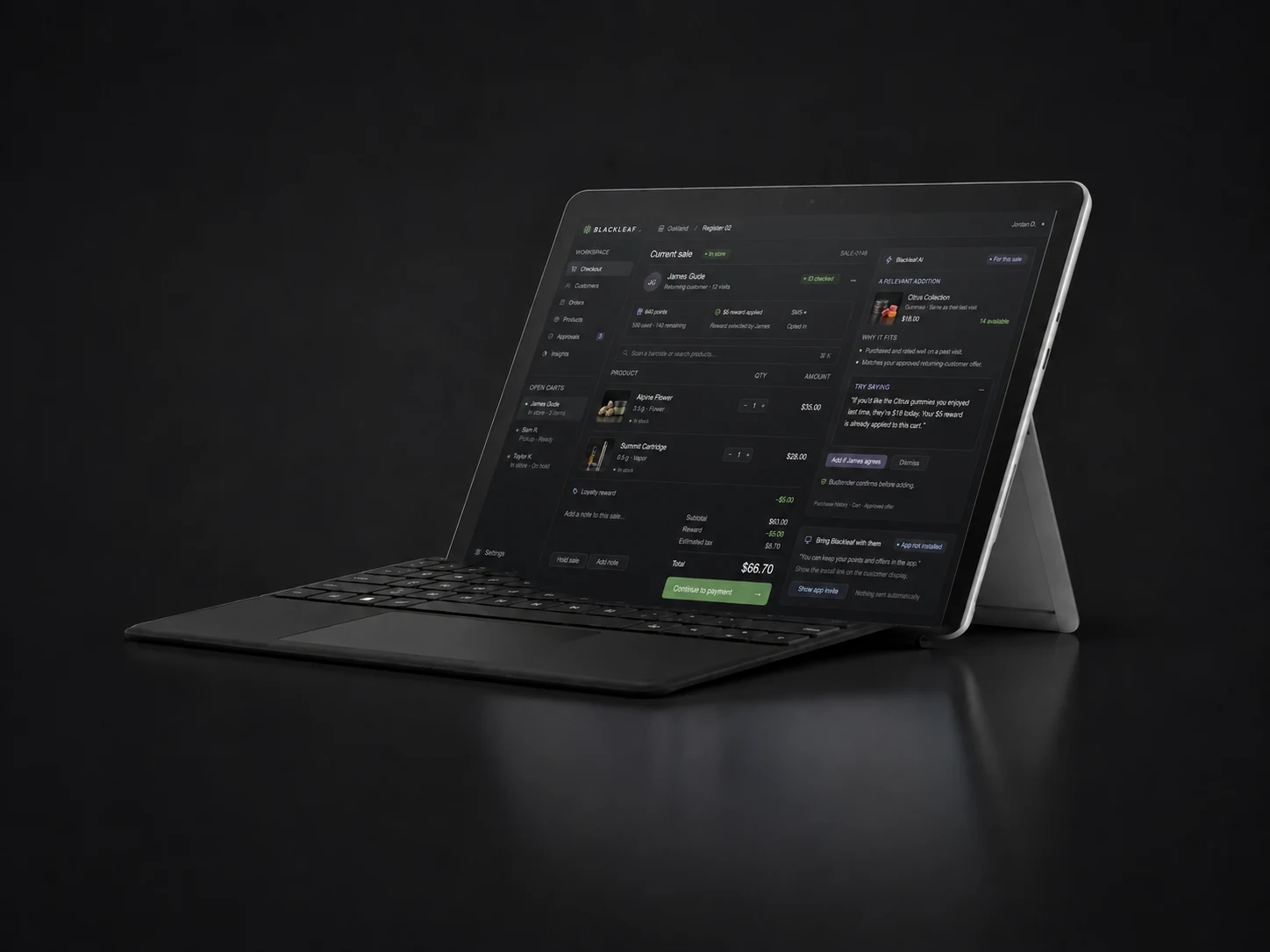
Ready from open through close.
Registers, check-in, and manager computers arrive configured for the job each station does all day.
Fig 0.2
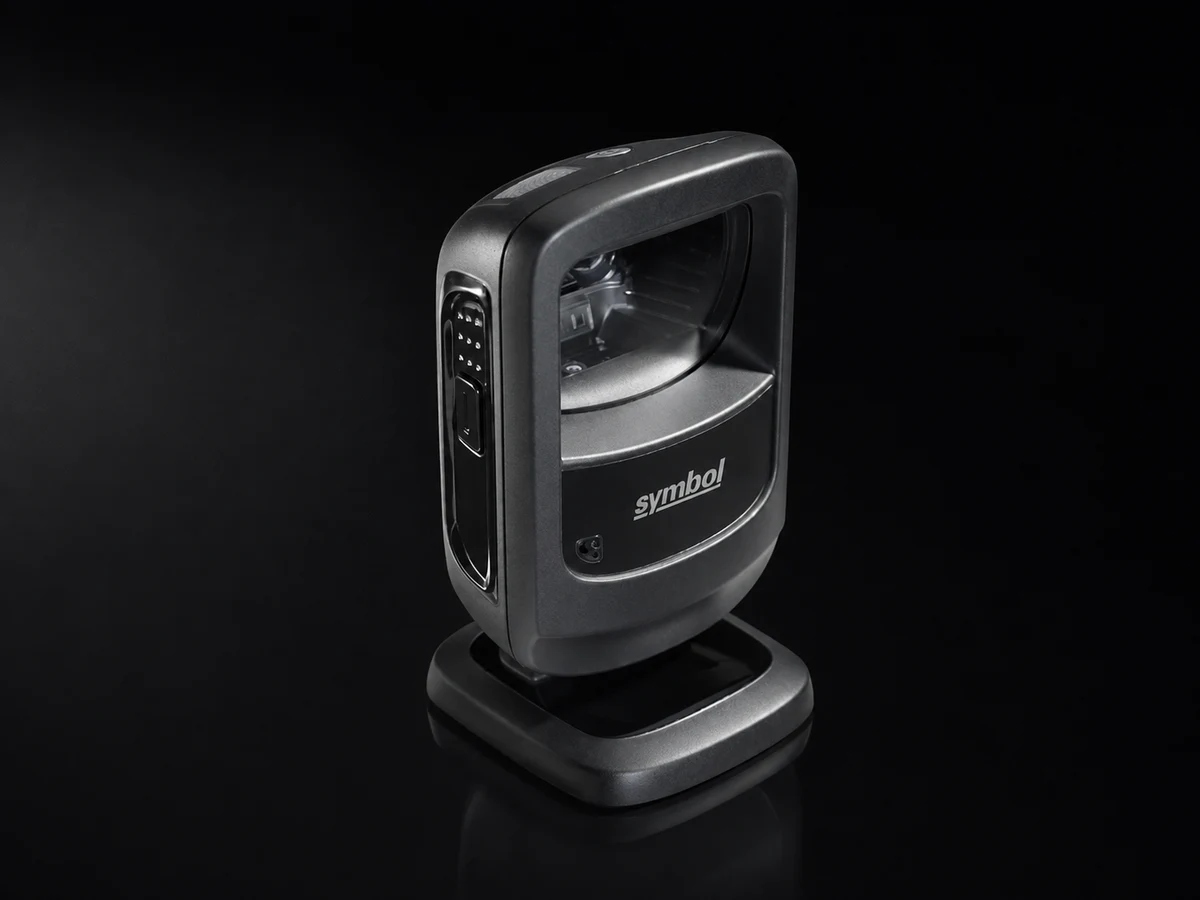
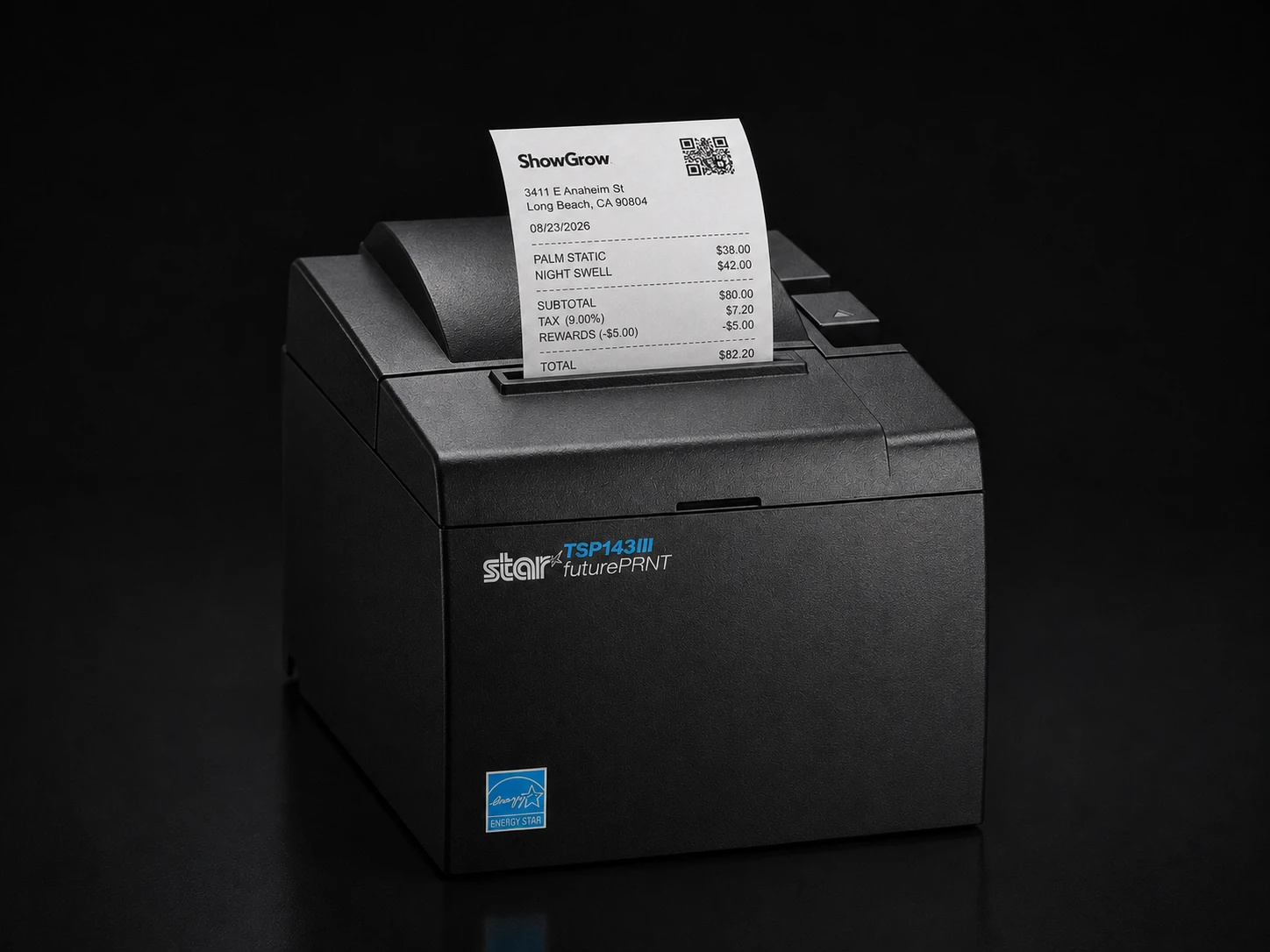
The line keeps moving.
Fast scanning and dependable receipts keep checkout and check-in moving without workarounds.
Fig 0.3
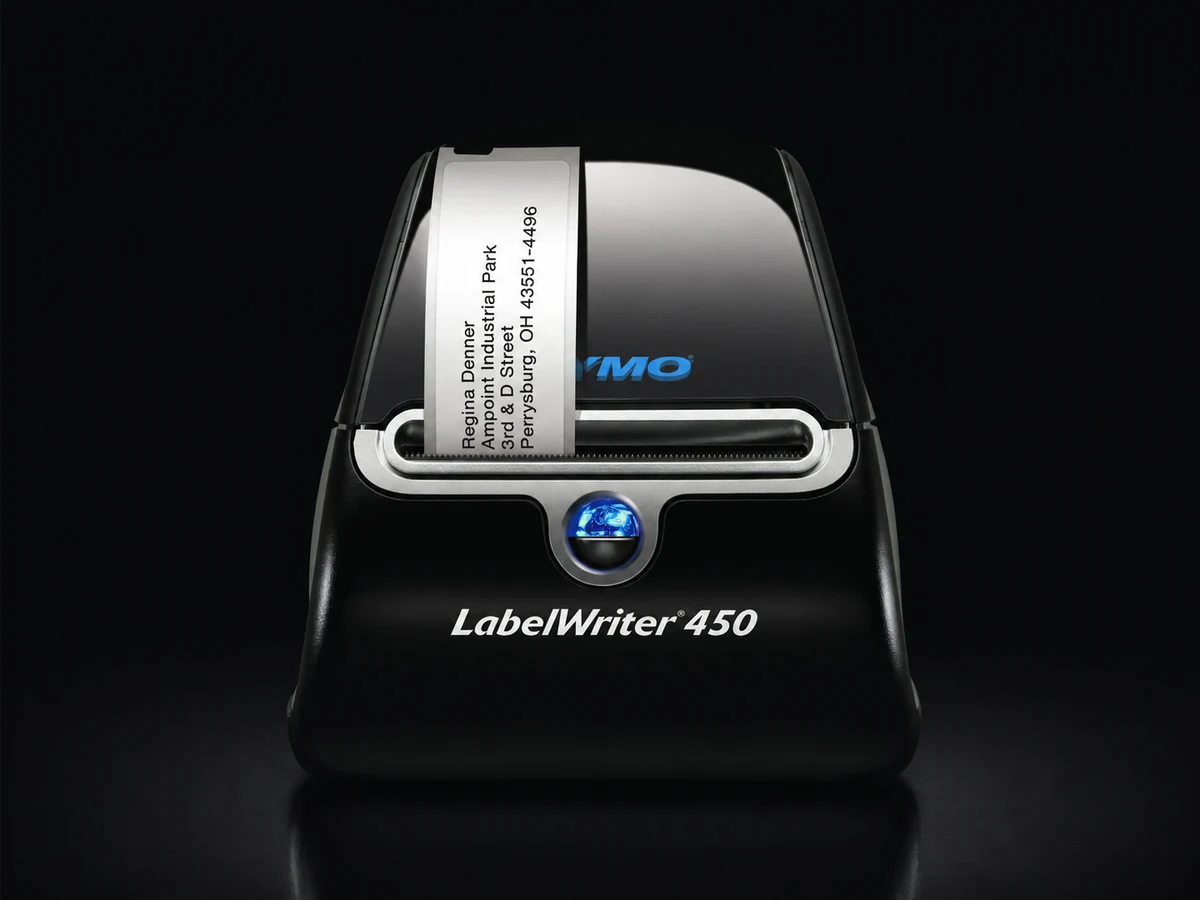
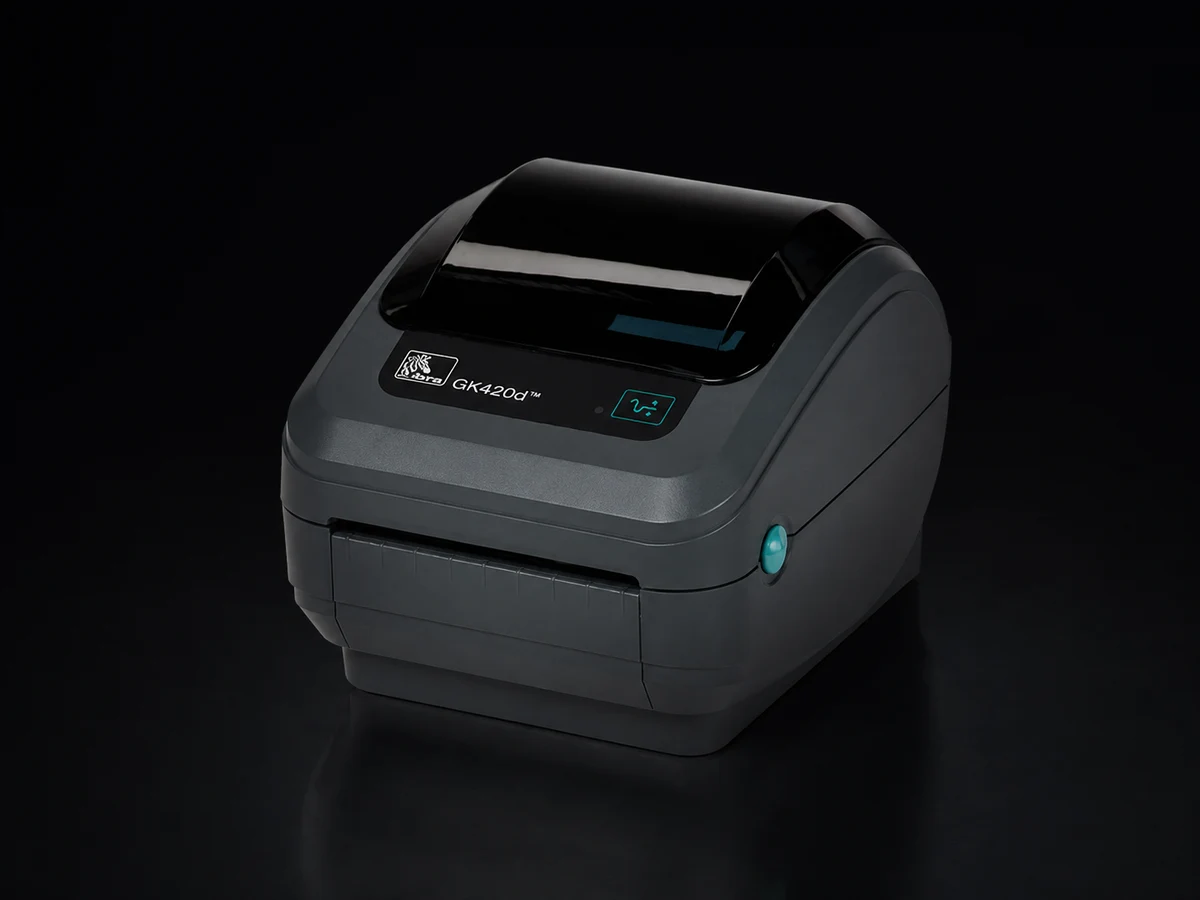
Labels print without the ritual.
The printer, driver, label stock, and settings are already matched for receiving and product labels.
See what comes with the recommended setup
| Area | Hardware | Quantity |
|---|---|---|
| Checkout | Windows Surface tablets | 2 |
| Check-in | Windows Surface tablet | 1 |
| Customer display | Windows Surface tablet | 1 |
| Checkout | Zebra DS9208 barcode scanners | 2 |
| Check-in | Zebra DS9208 barcode scanner | 1 |
| Checkout | Star TSP143IIIBI receipt printers | 2 |
| Back office | Manager computers | 2 |
| Back office | Zebra DS9208 barcode scanners | 2 |
| Back office | Cash counter | 1 |
| Back office | Dymo LabelWriter 450 | 1 |
| Back office | Zebra GK420d | 1 |
| Back office | Multifunction scanner and printer | 1 |
| Back office | Product display-card printer | 1 |
| Store | Sonos speakers | 2 |
Complete and Managed+ use the setup Blackleaf Dispensary POS recommends. Final models, stands, drawers, cabling, networking, and installation needs are confirmed for each store. Software can also run on approved customer-owned equipment.
Equip the work, not just the register.
A store needs check-in, checkout, customer displays, receiving, and back-office stations. The standard package above groups the proposed equipment around those jobs. Software can also be scoped for confirmed compatible equipment you already own.
- Complete and Managed+ include the planned standard supplied-equipment package.
- Count registers, check-in stations, manager computers, and customer displays separately.
- Final models, substitutions, mounts, and connection methods are confirmed before purchase.
Use the right printer for the job.
A receipt, a unit barcode, and a shelf display card have different sizes and purposes. The planned setup connects the right device to each output, using current product and batch information where applicable.
| Output | What to check |
|---|---|
| Receipt | Register connection, legibility, and the supported receipt format. |
| Unit label | Barcode, batch reference, label size, and scanner readability. |
| Display card | Current price, verified product/testing information, and print dimensions. |
| Receiving paperwork | Document scanning, storage, and the correct delivery reference. |
Know what gets replaced and supported.
The planned annual refresh covers supplied tablets and computers at the agreed specifications, including the customer-facing tablet. It does not extend to every peripheral. Printers, scanners, counters, and speakers follow separate service terms.
- Confirm equipment ownership, return requirements, replacement process, and service coverage.
- Review network coverage, power, counter space, accessibility, and cable routing.
- Existing equipment needs a compatibility check; its model appearing elsewhere is not enough.
Questions worth asking.
Clear answers for planning your store’s next step.
How much does Blackleaf Dispensary POS cost?
Single-location pricing starts at $49 for a limited planning workspace with no live checkout. Software is $499, Complete starts at $799, and Managed+ starts at $1,499 per licensed location per month, in USD. Live POS plans include two registers, one check-in, and two managers. Multi-location pricing uses the selected package price for the first store. Each additional Software location is $199. Each additional Complete location starts at $499, which includes the $199 software rate and $300 for standard hardware. Each additional Managed+ location starts at $1,199, including software, standard hardware, and operating help. Developer access ranges from a no-cost sandbox to Production from $299 per month plus usage and Platform from $1,499 per month plus usage. Additional software capacity is $99 per register, $49 per check-in, and $39 per manager each month. With standard supplied equipment, the monthly additions are $199 per register, $99 per check-in, and $129 per manager. Messaging usage, hardware upgrades, and third-party charges are separate.
What equipment is included in the Complete package?
The planned standard Complete package supports two registers, one check-in, two managers, and one customer-facing display. It includes four Windows Surface tablets; five Zebra DS9208 scanners; two Star TSP143IIIBI receipt printers; two back-office computers; a cash counter; a Dymo LabelWriter 450; a Zebra GK420d; a multifunction scanner and printer; a product display-card printer; and two Sonos speakers. Final supported models, compatibility, installation needs, upgrades, and substitutions are confirmed for your store.
Which devices are replaced every year?
Complete and Managed+ are planned to include brand-new replacement tablets and computers every year at the agreed specifications. This includes the supplied customer-facing tablet and computing added through a monthly hardware capacity option. Printers, scanners, cash counters, and speakers are outside the annual computing refresh and follow the equipment service terms. Starter and Software do not include supplied hardware or annual replacement of customer-owned devices.