Blackleaf November Update: POS, Storefront, and Texting

Blackleaf POS is now available in 11 states, with three plans and a free trial you can arrange with our team. You can also explore the storefront builder, review Blackleaf Pay’s Cashless ATM offer, and use updated Texting and API guides to plan your setup.

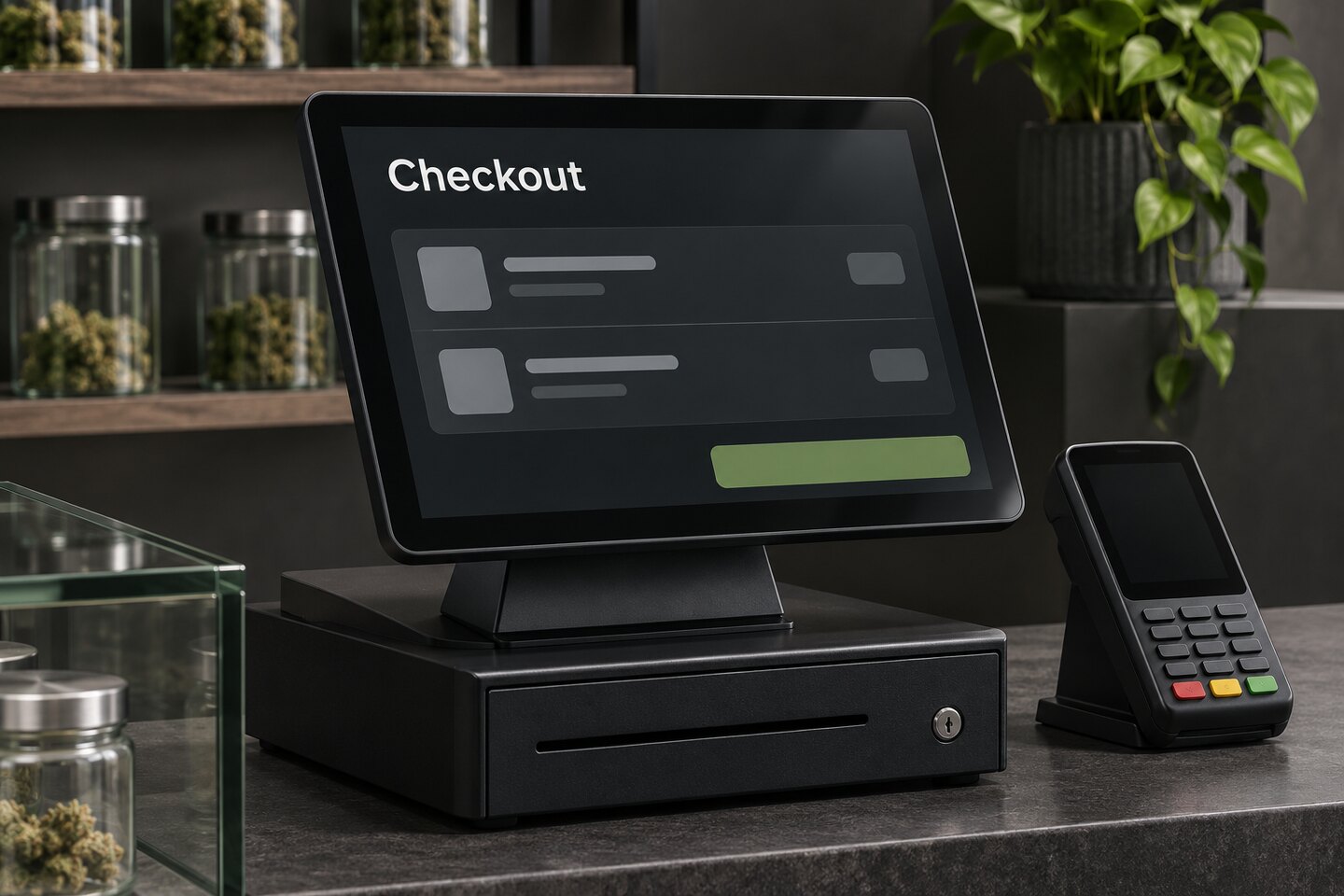
Cover: illustrative checkout preview with sample data.
Blackleaf POS is available in 11 states

Since our California announcement, Blackleaf POS availability has expanded to Alabama, Illinois, Kentucky, Louisiana, Maryland, Michigan, Minnesota, Mississippi, New York, and Virginia. California remains available. Nevada, Ohio, and Colorado are expected in January 2027.

POS AI agents and offline recovery are in production in California. For any location, confirm your reporting, integrations, payments, equipment, and operating workflows before you schedule a move. Start with the POS availability map and the rollout guide.

Three POS plans and a free trial

The POS pricing page now shows three options:

  • Software: $49 per month total for the first five stores, plus $10 per month for each additional store. Use compatible equipment you already own.
  • Complete: $349 per location per month for software and standard hardware.
  • Managed: $799 per location per month for software, standard hardware, and agreed operating support.

All three plans support unlimited stores, registers, and users. Equipment quantities, installation, and applicable additional charges depend on your setup. Select Free trial on the pricing page to talk with our team about access and setup. The POS demo lets you explore the interface while you evaluate your options.

See how the storefront builder works

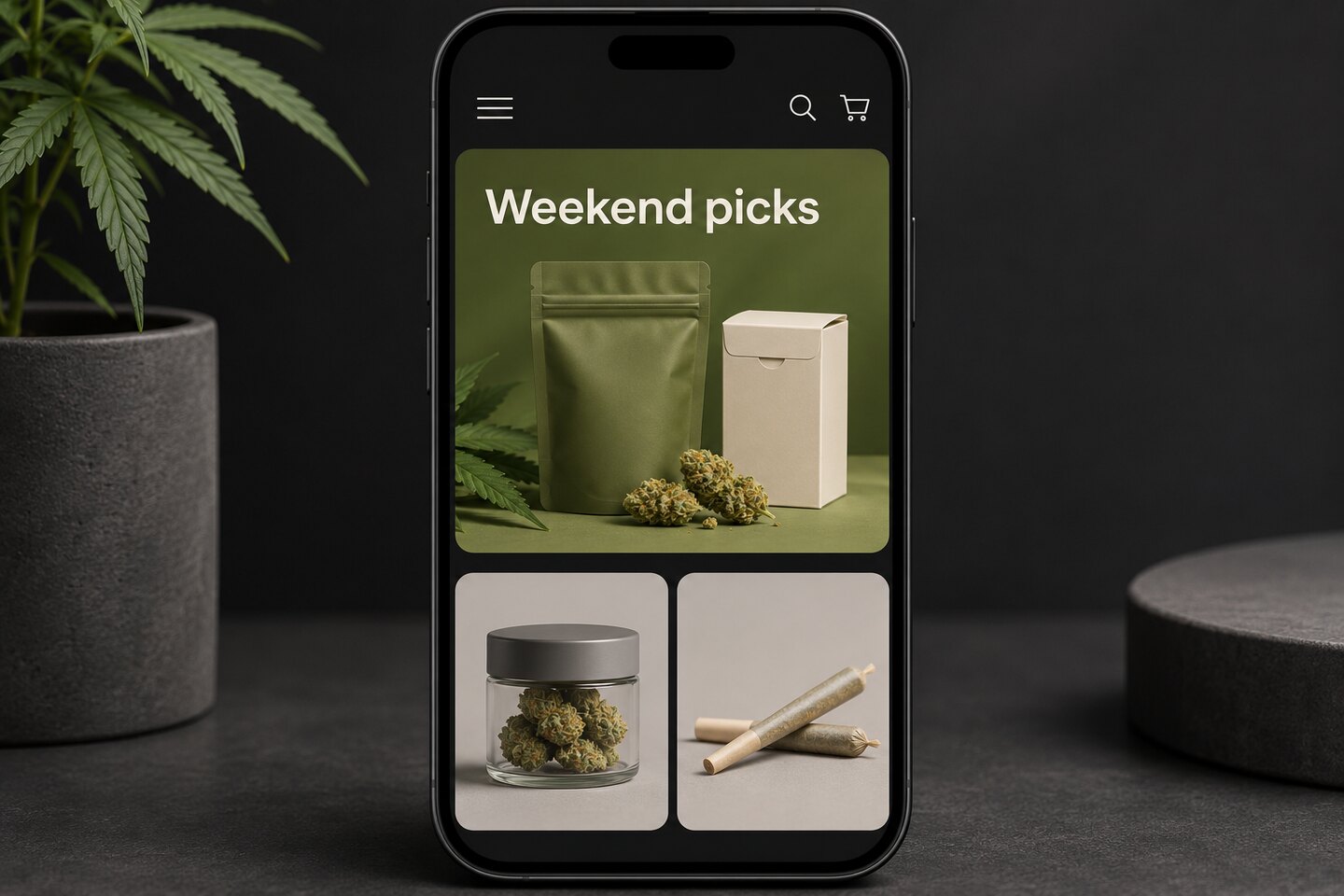
The storefront walkthrough shows four workflows from the builder in development. Schedule homepage collections with AI merchandising, use Helper to answer shopper questions, surface recent purchases and favorites, and show loyalty points and available rewards while customers shop.

Illustrative mobile storefront with a Weekend Picks feature and product tiles.
Illustrative storefront builder preview.

Try saving a sample item in the Personalized shopping preview, or visit the ShowGrow Long Beach storefront to see a live example. Confirm the supported menu, ordering, pickup, and rewards workflows for your store.

Review Cashless ATM at your counter

Blackleaf Pay’s Cashless ATM offer lists $2.50 per transaction, terminals starting at $300, no monthly or setup fees, and advertised deposits within 24 hours. Bring your current POS, checkout stations, and terminal needs to the onboarding conversation so the team can confirm compatibility, funding, and terms.

The POS payments guide helps you prepare for closeout, including how to match a POS sale and terminal receipt to the provider’s settlement report.

Plan Texting with the POS you already use

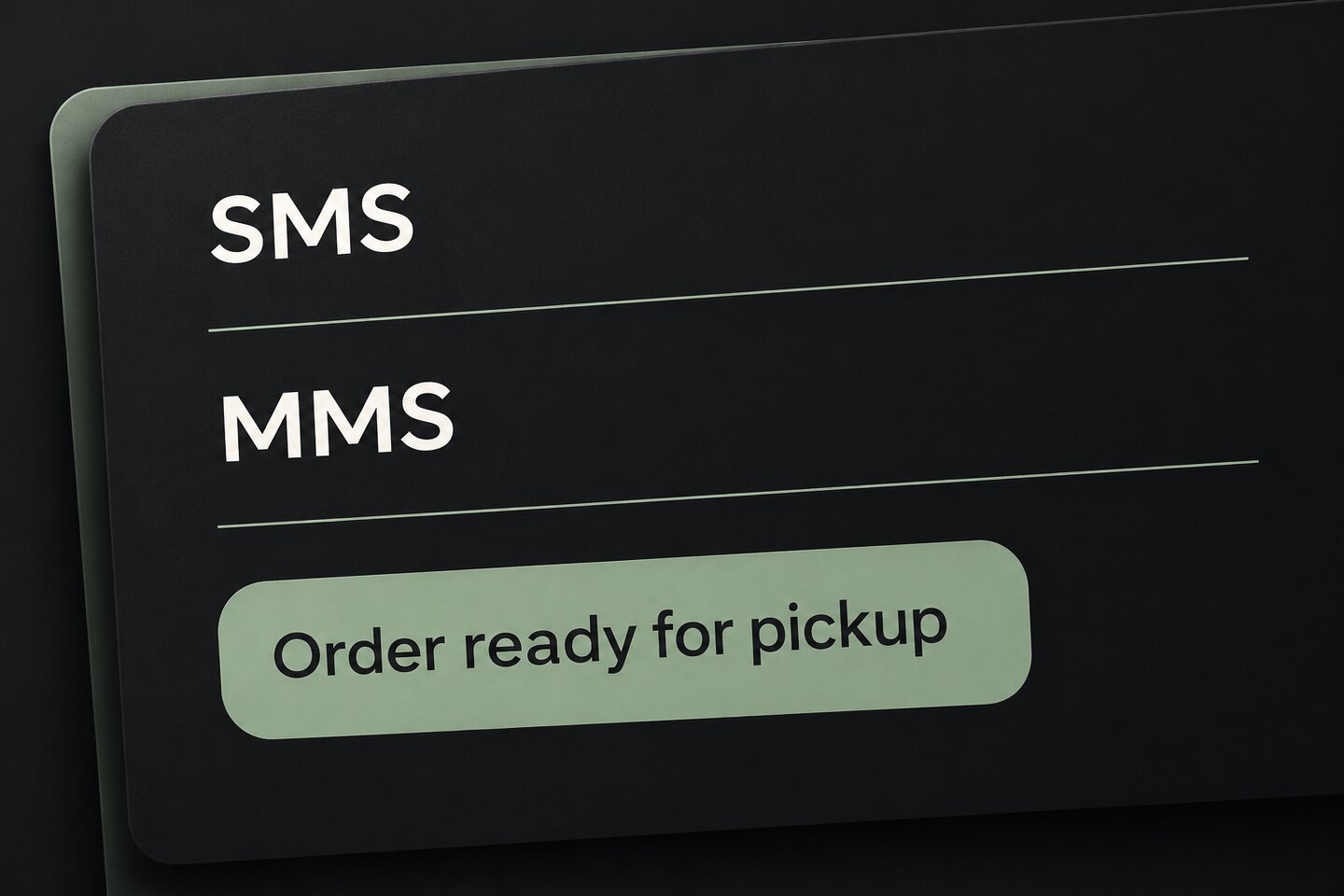
The Texting pricing page opens on monthly billing, with annual pricing available in the same comparison. Blackleaf SMS and MMS work with supported existing POS systems without a POS switch.

The updated POS-to-Texting guide and order alerts guide help you check which events your connection provides. For pickup texts, match the order, customer, store, and current readiness status before activating the workflow. A customer update or completed purchase alone cannot tell you that an order is ready.

Check what happens after an API send

The updated send reference guide and MMS guide show what to record when you submit a send, what to check in message records and callbacks, and how to reconcile an uncertain result before retrying. They also explain which parts of MMS preparation and status handling you can rehearse in the messaging sandbox.

SMS and MMS labels with a sample pickup notification.
Illustrative messaging example.

Use the Blackleaf API reference when you implement the workflow.