- Definition (what it is, who it is for, when to use it)
- Find the next supported troubleshooting step.
- Why This Matters for Dispensaries
- Step-by-Step Implementation
- Common Mistakes
- Practical Examples (illustrative scenarios)
- Troubleshooting Table
- FAQ
- Metrics That Matter
- Sources and Further Reading
- Related Blackleaf Pages
Definition (what it is, who it is for, when to use it)
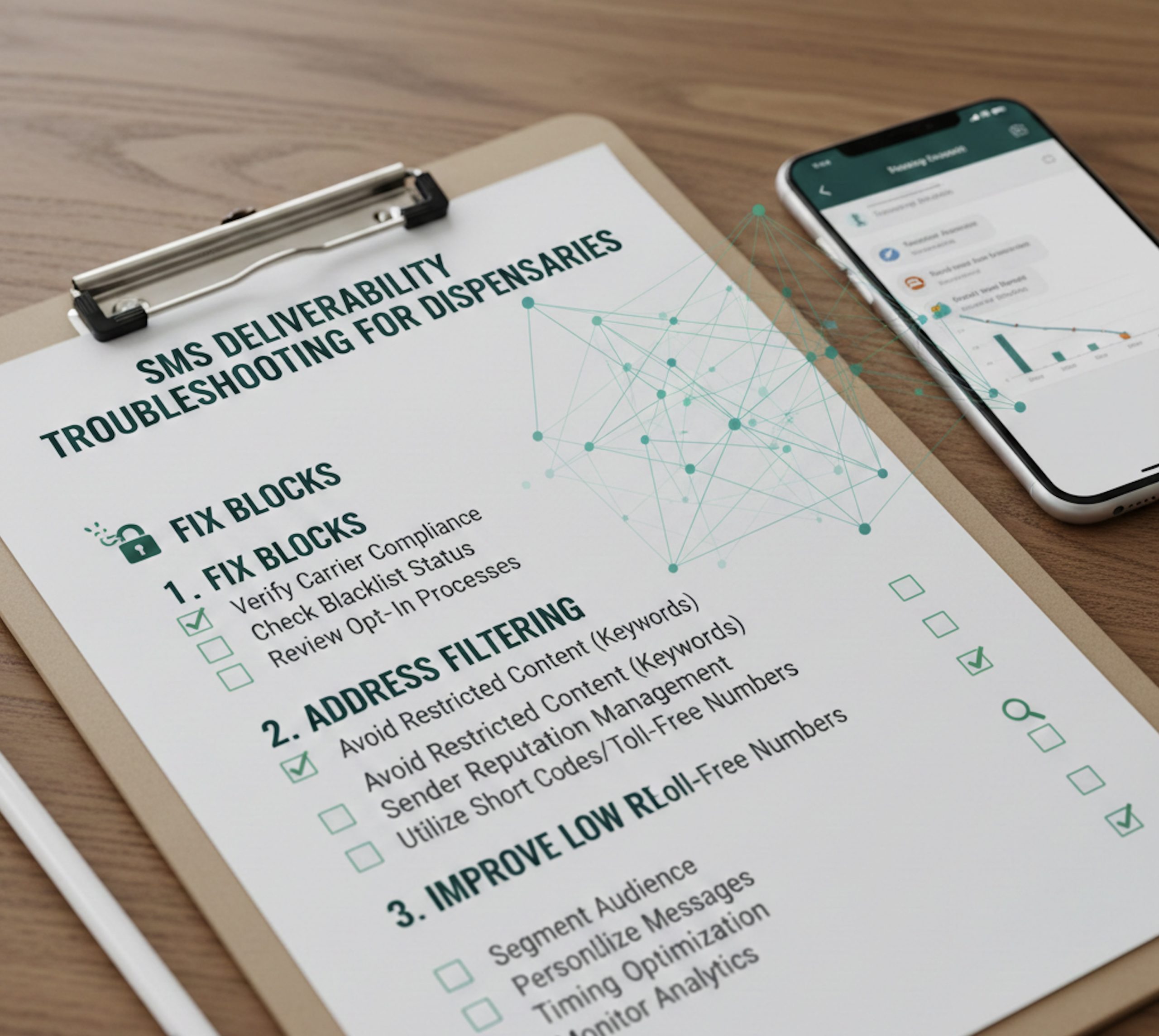
SMS deliverability troubleshooting identifies what existing message and provider records support, what remains unknown, and the next supported review step when texts are delayed, failed or reported missing.
This guide is for dispensary operators, marketers, and compliance owners who send customer texts for order updates, loyalty, and store communications, especially when you notice sudden drops in delivery, higher failure rates, or unusual opt-out spikes.
Use this when you see any of the following: delivery rates fall week-over-week, campaigns that used to perform now underperform, carriers start filtering content, customers report not receiving messages, or your sending number feels “burned” after a high-volume push. If you are new to the topic, start with the fundamentals in SMS deliverability and carrier filtering, then return here for diagnosis.
Find the next supported troubleshooting step.
Start with records, not a guessed cause. Use the same message attempt and time window throughout. These choices describe evidence you have reviewed; this tool cannot inspect your account or verify your answers.
Read the diagnostic tree
- Failed prerequisite or known withdrawal: hold affected outreach and honor suppression. Missing permission or an unsupported business/use case cannot be repaired by changing the message format.
- Missing, stale or conflicting evidence: collect or reconcile the actual source records before assigning a cause. A percentage drop alone does not identify filtering.
- No message record: trace the original event, workflow decision and creation response. Do not resend before checking whether an attempt already exists.
- Queued or sent: inspect the status timeline and provider’s queue or receipt expectations. Accepted/sent is not the same as delivered. Avoid duplicate retries while an attempt is still pending.
- Failed or undelivered: use the actual provider’s exact reason. Honor opt-outs, suppress confirmed invalid destinations, resolve sender/media errors, or request provider review for policy/service errors. An unknown reason stays unknown.
- Delivered, mixed results or opt-outs: distinguish a delivery receipt from reading or buying. Compare like-for-like cohorts and rates; review customer expectations and permission when withdrawals increase. Neither a seed test nor an engagement dip proves a single cause.
Prepare a private support packet: the time window and time zone, sender/route, message type, attempt and final-status counts, exact error text, relevant changes and appropriately redacted example identifiers. Share necessary records only through your approved support channel; do not paste phone numbers, credentials or private logs into a public page.
For reference, Twilio documents distinct outbound status stages and a provider/carrier filtering error. Those are provider-specific examples, not Blackleaf code mappings or a recommendation to use that route for cannabis. Twilio’s cannabis/CBD restriction illustrates why neutral copy or registration does not establish route support.
Review messaging requirements and the audience and exclusions worksheet. This tree runs in your browser; it does not import logs, contact support, change settings or send a message.
Why This Matters for Dispensaries
Dispensaries are a regulated, high-scrutiny category. That means your SMS program can fail in ways that look like “tech issues” but are often caused by compliance signals, inconsistent consent records, content patterns carriers treat as risky, or volume behavior that resembles spam.
When deliverability drops, you lose more than sales. You lose operational reliability. Order pickup texts do not arrive on time. Two-way chat becomes unreliable. Customers believe you ignored them. Your staff wastes time answering “Did you text me?” instead of serving customers.
Deliverability also affects performance marketing math. If only part of your list receives a message, your campaign reporting gets distorted. You might incorrectly blame creative, timing, or offer strategy when the real issue is reach. If you run high-frequency sending, review mass texting practices and align your program with consent and opt-out expectations from SMS opt-in and opt-in and consent for dispensaries.
Step-by-Step Implementation
Use this workflow every time deliverability declines. The goal is to isolate whether the issue is list quality, consent, content filtering, sending behavior, or registration and identity signals.
-
Confirm the symptom with numbers, not anecdotes. Compare sends vs deliveries vs failures over the same time window. Separate transactional messaging (order updates) from marketing blasts. If you use automation, confirm whether the issue is isolated to a workflow in automations.
-
Segment by carrier and message type. Compare the same time window, sender, route, format, error category and denominator. A carrier-specific or system-wide change narrows the investigation but does not, by itself, establish filtering, consent failure or a technical cause.
-
Check consent and opt-out mechanics first. Confirm you can prove opt-in for the segment you texted, and confirm STOP is honored quickly. If your opt-in flow is unclear, fix it using opt-in and consent for dispensaries and SMS opt-in.
-
Review the actual provider reason and policy. Check the message, linked page and permitted business/use case against current provider requirements. Neutral wording or removing particular words does not create an exception to a restriction. Use illustrative message structures for clarity, not as proof that a message is permitted or deliverable.
-
Inspect sending behavior and volume ramps. Record changes in volume, cadence, sender, workflow and template alongside the actual error evidence. Review documented pacing and supported routing behavior with the provider; neither pacing nor routing should be used to bypass a restriction.
-
Validate your sender identity and registration posture. If you send A2P traffic, ensure your brand and campaign registration are correct and aligned with your actual use case. If you are unsure how this affects dispensaries, review 10DLC for dispensaries and your overall compliance posture.
-
Separate record review from a live test. Start with existing logs. Any live test needs separate authorization, confirmed permission and suppression, and a business/use case supported by the actual route. Define the hypothesis and observation window first; one successful seed test does not isolate the cause of broader failures.
-
Document fixes and lock a standard operating procedure. Deliverability is not a one-time project. Build a repeatable checklist. This is how you prevent regressions when staff, creative, or cadence changes.
Common Mistakes
-
Assuming “delivered” means “seen.” Interpret the receipt using the actual provider’s definition. It does not prove reading, inbox placement or a purchase. Review replies and purchases as separate outcomes rather than using them as substitutes for delivery evidence.
-
Using old or uncertain permission records. Hold affected outreach when permission or current suppression cannot be established. A purchase or engagement signal does not repair missing permission, and an unsolicited re-permissioning text is not an automatic remedy. Keep source records aligned with consent requirements.
-
Treating copy variation as a filtering fix. Review cadence and customer expectations, but do not assume rotating words repairs a policy or route restriction. Message templates are illustrative structures, not pre-approved safe content.
-
Overusing links or using suspicious link patterns. Shorteners, redirect chains, and inconsistent domains increase filtering risk. Use clean, consistent links that match what customers expect from your brand.
-
Failing to separate marketing from transactional flows. Order status messages should not look like promotions. If you want operational reliability, keep order communications aligned with order alerts behavior and keep promotional content in appropriately consented campaigns.
-
Ignoring carrier feedback loops. Sudden blocks or dips usually have a cause. Treat deliverability like a system with inputs and outputs, not as a mystery.
Practical Examples (illustrative scenarios)
Scenario 1: Delivery drops after a high-volume weekend push. In this fictional example, the reported rate falls 25 percent after repeated campaigns. The number alone does not establish the cause. Check attempted and final-status counts, window, route and exact errors before proposing a change. Review routing documentation only for supported behavior, not a way around blocks.
Scenario 2: Order pickup texts are delayed or missing. Trace the event, workflow decision, creation response, queue and final status for matching attempts. Review existing automation and order-alert records; do not conclude that a configuration change or resend is needed until the evidence supports it.
Scenario 3: New store launches, opt-outs spike immediately. A fictional store imports partner contacts and begins outreach. Hold affected sends and honor withdrawals while establishing the original permission and scope. Do not launch a re-permissioning text merely because records are missing. Review SMS opt-in and permission provenance.
Scenario 4: Messages deliver on some carriers but not others. Compare the same window and comparable recipient groups, with exact error categories and sample sizes. Ask the actual provider to interpret documented failures. Carrier filtering is a possible area to investigate; a rate difference does not prove filtering or justify disguising copy and links.
Troubleshooting Table
Use this table to map what you are seeing to what to check next. Treat it as a diagnostic shortcut, not as legal advice or a guarantee of outcomes.
| What you see | Possible area to investigate | What to check | Next review step |
|---|---|---|---|
| Delivery rate drops across all carriers | Provider, workflow, permission or recipient factors; cause unresolved | Attempt timeline, exact errors, permission and suppression evidence | Hold affected risky retries; verify the source records and provider guidance |
| Some carriers drop, others stable | Carrier, route or recipient-group difference | Comparable counts, denominators, timestamps and provider error categories | Request provider review of documented examples; do not disguise content |
| High “failed” or “undelivered” counts | Failure reason depends on the exact provider evidence | Attempt identifier, status timeline and exact error definition | Honor withdrawals and confirmed invalid destinations; do not bulk retry unknown failures |
| Opt-outs spike after a campaign | Expectation mismatch or too-frequent sends | Consent language, cadence, message tone, targeting | Honor withdrawals, hold affected outreach and review permission and expectations |
| Order texts delayed or missing | Workflow issue or misclassified traffic | Automation rules, message templates, routing paths | Trace existing event-to-receipt records before an authorized live test or resend |
FAQ
Question: What is a “good” SMS delivery rate for dispensaries?
Answer: It depends on list quality, consent freshness, and sending behavior. Track trends, not a single number. If your delivery rate declines steadily, treat that as a system problem and follow the checklist in this guide. Start by understanding the basics in SMS deliverability.
Question: Why do carriers block dispensary texts even when customers opted in?
Answer: Permission is only one requirement. Business/use-case restrictions, sender or route limits and documented failures also matter. Check the actual provider policy and error before assigning a cause. Review carrier filtering and permission scope; registration or neutral wording does not override a restriction.
Question: Does adding images improve deliverability?
Answer: Adding an image does not establish permission or repair an unsupported business/use case or route. Review the actual status and error first. Message structures can help with clarity, but are not proof of approval, compatibility or delivery.
Question: How do I know if the problem is my list or my message content?
Answer: Start with matching attempt records, exact provider errors, time windows and denominators. Compare like-for-like groups. A seed test alone cannot distinguish list, content, route or timing effects. Any live test needs separate authorization and confirmed eligibility; unresolved restrictions remain a hold.
Question: What role does 10DLC play in deliverability?
Answer: For A2P traffic, registration helps establish identity and use-case alignment. Incorrect or mismatched registration can create deliverability instability. For dispensaries, review 10DLC for dispensaries and keep your program aligned with compliance expectations.
Question: Why do my order messages work but marketing messages fail?
Answer: Marketing content often includes language, links, cadence, and segmentation patterns that trigger more filtering. Operational messaging is usually shorter, expected, and more clearly tied to a customer action. Keep order texts aligned with order alerts and treat marketing blasts as a separate system with its own rules and safeguards.
Question: How often should dispensaries text without hurting deliverability?
Answer: There is no universal number. Frequency should match consent expectations and customer value. If opt-outs rise, frequency is likely too high or the content is not aligned to why customers subscribed. Use engagement-based segmentation, and avoid daily blasting to the entire list unless you can prove customers want that cadence.
Question: What is the fastest way to recover if a number feels “burned”?
Answer: Treat “burned” as an informal report, not a diagnosis. Hold risky retries, check current permission and suppression, and collect exact provider evidence. Ask the provider for a supported resolution. Do not rotate senders, switch domains, disguise content or use routing to bypass a block.
Metrics That Matter
Deliverability is easiest to improve when you track the right metrics consistently. Focus on a small set of indicators you can review weekly.
-
Delivery rate trend: Watch week-over-week changes, not a single day snapshot.
-
Failure rate by carrier: Compare final-status rates and error categories over the same window. A difference is a clue for review, not a diagnosis.
-
Opt-out rate per campaign: A spike is a strong signal of expectation mismatch, frequency problems, or content issues.
-
Engagement observations: Keep replies, clicks and purchases separate from delivery receipts and documented complaints. An engagement dip alone does not establish filtering, inbox placement or a complaint rate.
-
Message history: Record cadence, repeated templates and overlapping campaigns to investigate changes. These observations do not establish a particular filtering rule or a safe wording formula.
-
List freshness: Measure the percent of subscribers who have engaged in the last 30 to 90 days.
If you want a foundation for tying these metrics to operational messaging and store workflows, review POS texting and how messaging fits into your overall system.
Sources and Further Reading
CTIA Messaging Principles and Best Practices provides industry guidelines that influence how carriers evaluate messaging programs.
The Campaign Registry (TCR) explains the 10DLC brand and campaign registration framework used in the U.S. A2P ecosystem.
The Campaign Registry CSP User Guide details the data fields and processes that impact registration accuracy and messaging trust signals.
FCC guidance on unwanted robocalls and texts summarizes consent expectations and consumer protections relevant to business texting.
FCC rules on calls and texts includes practical consent framing that helps clarify when texts require prior consent.
FTC advertising and marketing guidance outlines truth-in-advertising expectations that matter when messaging includes claims or calls-to-action.
FTC .com Disclosures explains how to make clear disclosures in digital messaging and marketing contexts.