Campaign preparation now makes better use of the work you have already saved, while sending progress gives a clearer account of what happened to the selected audience.
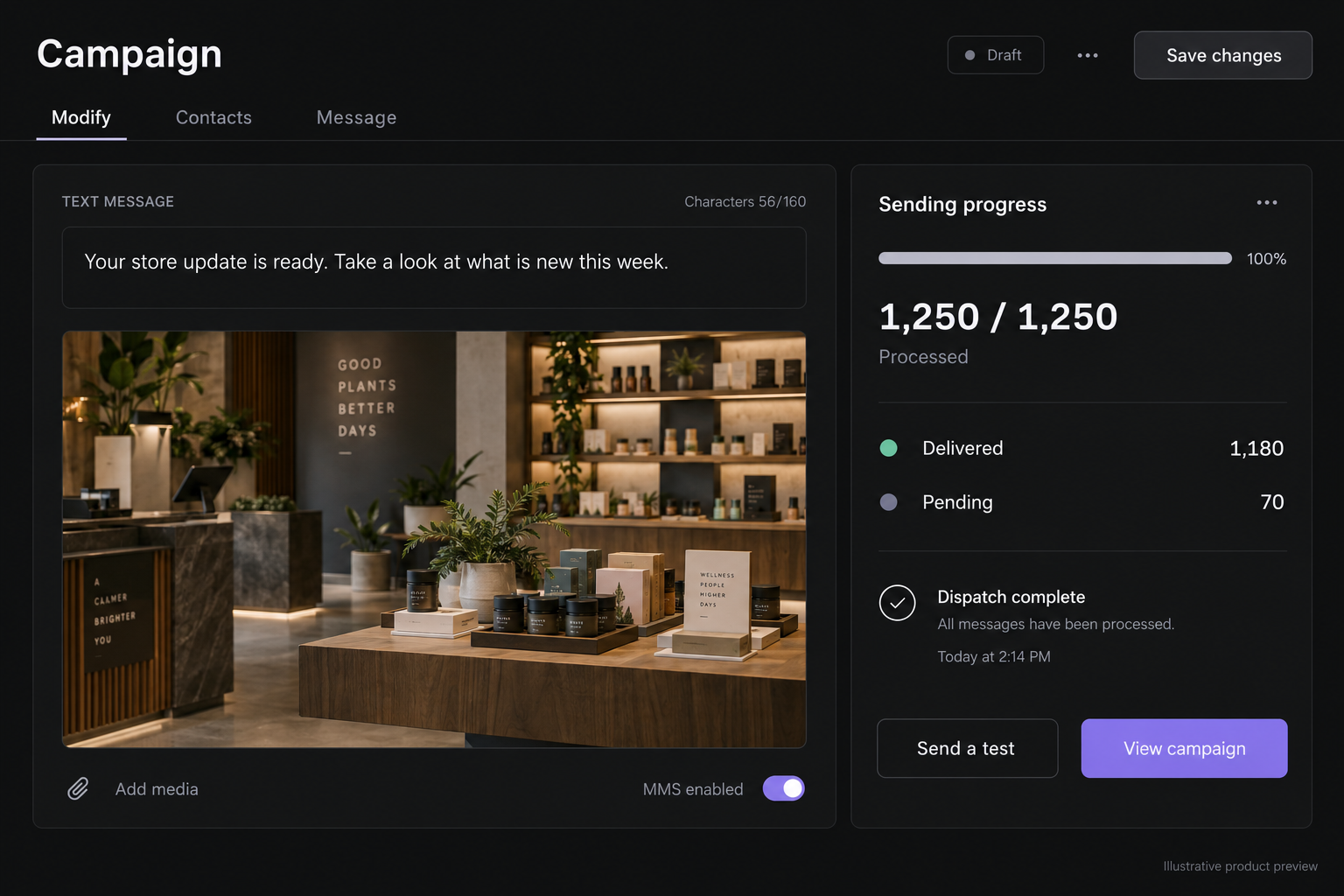
Use the artwork for the requested day
When you ask for a campaign for today, tomorrow, or a specific date, the helper first checks for saved media with that active start date. Matching artwork is reused, and only missing formats are generated. A suitable MMS image can also become the landing image. You can still explicitly request fresh artwork.
Edit the destination directly
The landing-page workflow includes an HTML code editor for teams that want direct control over their page content. Move between the landing-page tools and code without rebuilding the campaign, and keep the destination alongside the message that leads to it.
Understand the sending counts
Sending progress accounts separately for recipients already processed in a previous run. They no longer leave a campaign waiting indefinitely for work that will not be repeated. Processed recipients, delivery results, failures, and pending messages remain distinct: completing the send does not mean every handset has confirmed delivery.
Keep actions within reach on mobile
On smaller screens, campaign content scrolls while the send controls remain at the bottom of the workspace. You can reach the message, media, and schedule without the action bar drifting into the middle of the page.