
API Access for Campaigns and Automations

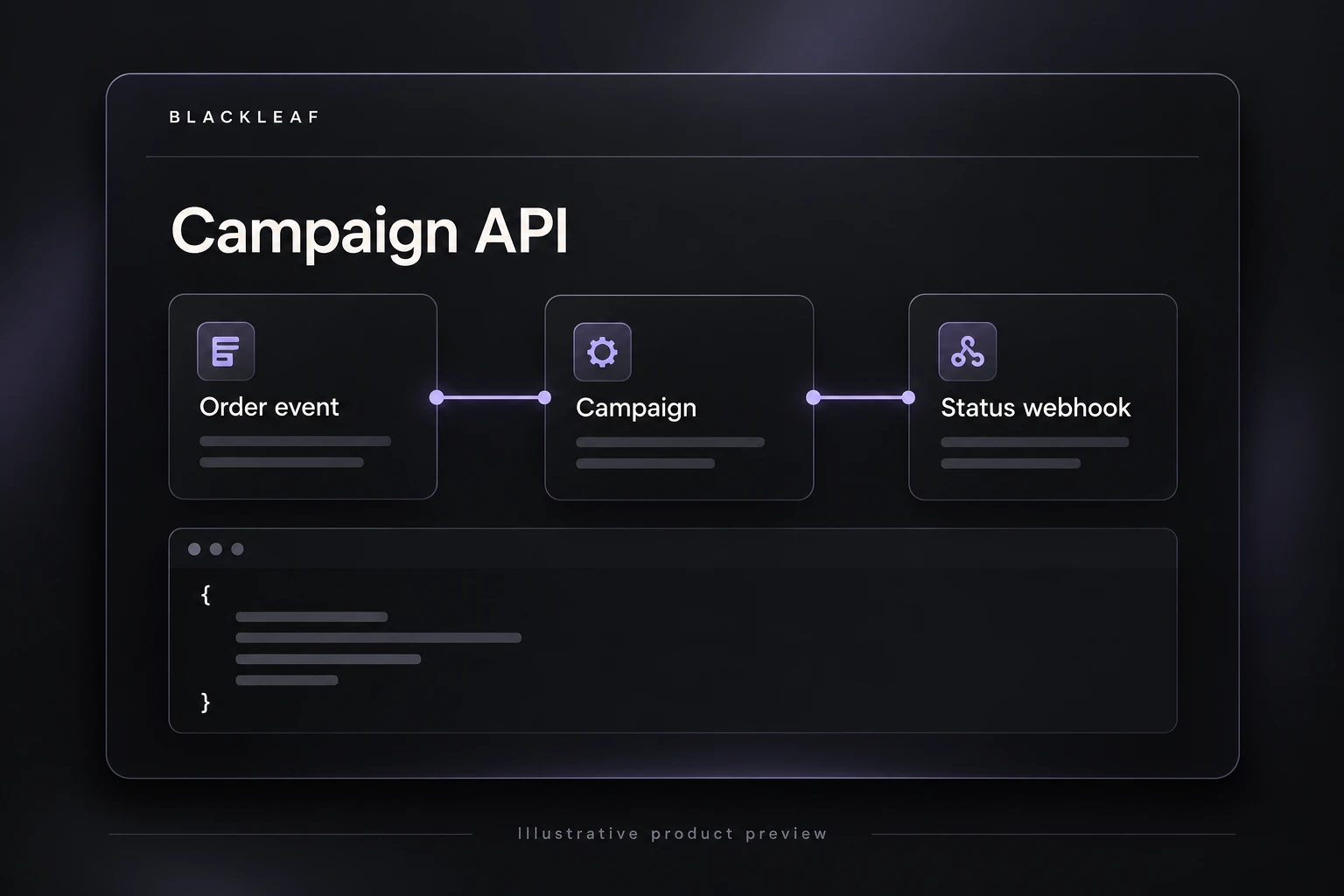
Cover: illustrative product preview. Interface details and sample content are representative.

We added an API tab to campaigns and automations.

Use the documented operations to connect a trusted backend to campaign preparation, configured automations and messaging events. Choose the operation for the change you intend, and review its workspace authorization, inputs and result contract in the current API reference.

Invoke campaigns and automations programmatically

Campaign actions and automation invocation have different request and result contracts. A campaign action returns a queued acknowledgement with a requestId and statusUrl. Confirm the processed result and current campaign state separately; an accepted command does not establish that a campaign started or that a message was delivered.

Automation invocation submits an event to an automation already configured in Blackleaf. Its initial reply does not confirm that an active workflow received the event, and it does not supply the campaign action’s request-status pair. Invocation can create a missing contact and lead to real messaging with applicable charges. Review the configured workflow and the sandbox scope before any separately authorized rehearsal.

Manage contacts and lists via API

Contact synchronization, saved-list membership and campaign audience edits are separate operations. Adding a contact to a campaign is different from creating a workspace profile; removing one from an audience does not globally unsubscribe or delete the person. Use the contact-sync guide for identity and subscription-state handling.

Campaign audience actions apply to an eligible, unscheduled and unsent draft. Saved-list rules can resolve against changing contact data, so an earlier count is not a permanent audience snapshot. Confirm the final membership, exclusions and current recipient permission using the campaign audience walkthrough before a separately authorized launch.

Webhook events for integration feedback

Configured receivers can receive supported message-status, opt-out, landing and incoming-reply events. Workspace notifications and campaign callbacks have different payloads and attribution conditions. Select the receiver and event you need rather than treating them as one universal stream.

The reviewed senders provide best-effort delivery without an automatic retry schedule or durable replay queue. A missing callback alone does not prove that no activity occurred. Plan durable receipt handling and reconciliation using the webhook recovery guidance; transport acceptance does not prove that downstream work finished.

Read the selected event payload

Validate the fields in the selected event contract. For example, a campaign message-status body contains a message identifier, status and date, while its opt-out body contains a phone and date without a message identifier. Do not assume every payload includes contact details, message content, a shared type field or a campaign identifier.

Keep your receiver’s workspace or campaign association with the receipt, and use the campaign callback field map for the actual envelope. Review workspace callback authentication separately; campaign callbacks do not inherit that contract. Keep keys, signing secrets and private customer data out of public diagnostics.

Built for integration-first workflows

Connect a verified source event to a defined messaging purpose. Confirm which system supplies the event, which contact it identifies, and which saved content, sender and workflow will use it. API access alone does not establish that a particular POS connection or account is ready.

Keep the original intent and identifiers in your application. After a timeout or uncertain reply, reconcile the saved action and message activity before another write. A new request or an event identifier in a payload does not provide general duplicate protection. Follow the selected endpoint’s contract rather than repeating a send or campaign start to recover missing feedback.
Why this matters

An integration is useful when its inputs, permissions and result checks are clear. Blackleaf requires explicit recipient consent and age confirmation before texting; API access and audience membership do not replace those checks. Blackleaf dispensary Texting can work with supported existing POS systems without a POS switch. Confirm the actual connection and workflow before activation.

For a supported integration, choose the events that should start each messaging workflow. Review delivery, engagement, and customer outcomes over comparable reporting periods.