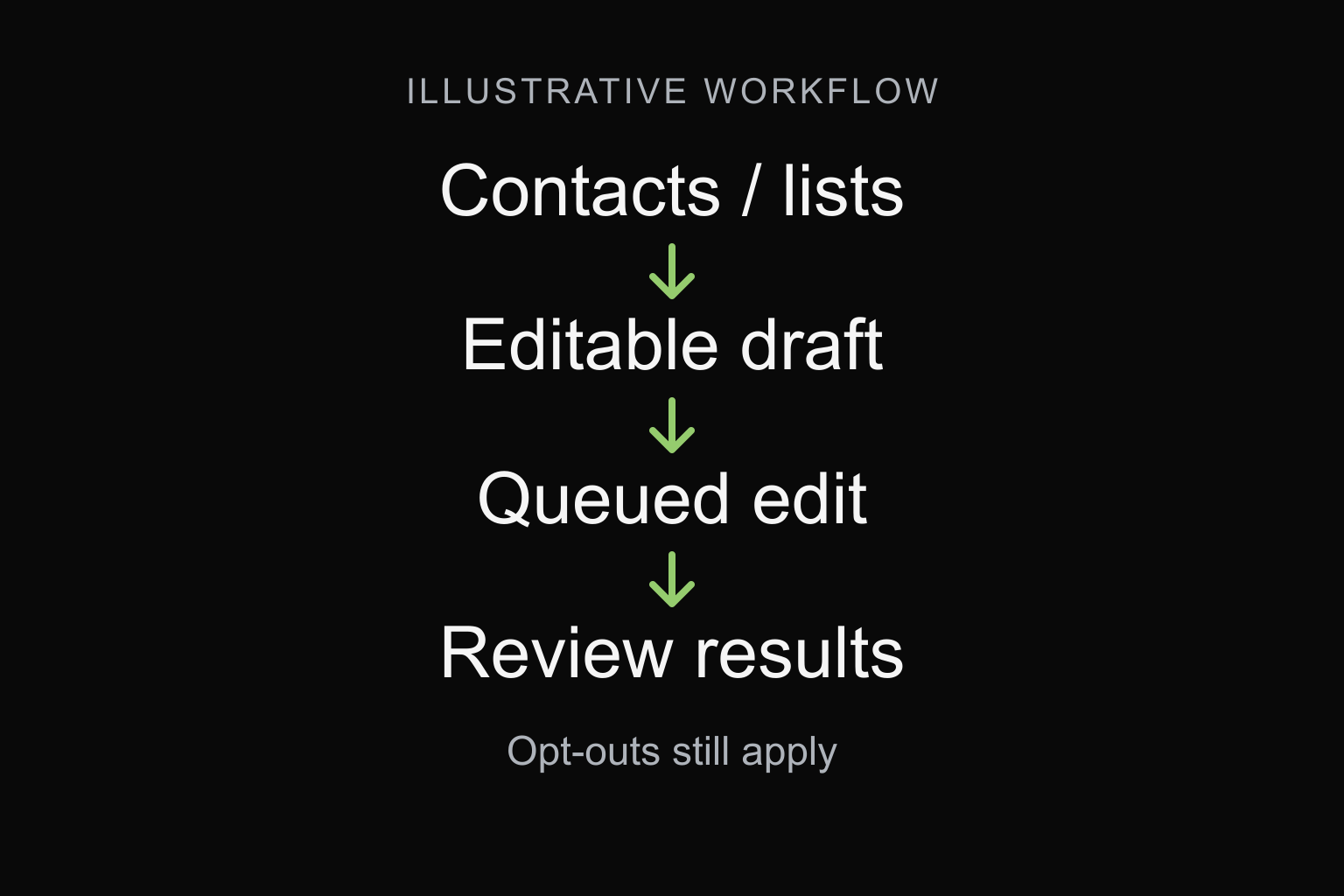
- Confirm that the campaign is an editable draft
- Choose a contact action or a saved-list action
- Keep membership separate from permission
- Treat a saved-list action as a live rule
- Confirm the queued action and its result separately
- Resolve uncertain results before repeating edits
- Keep audience results separate from campaign webhooks
- Recover missing or repeated webhooks
- Frequently asked questions
- Review one campaign preparation workflow
Use the Blackleaf campaign audience actions to add or exclude existing contacts on an unscheduled, unsent draft. Choose a phone action for one SMS contact or a list action for contacts matching a saved list. Keep the returned request identifier, confirm the processed result and review the current audience before any separately authorized launch.
This walkthrough is for developers connecting an application to campaign preparation. Start with the current API reference and developer guide. For choosing the business audience and exclusions, use the dispensary segmentation guide.
The response example is fictional documentation and has not been produced by an API call. No campaign, contact, list or message was changed for this article. The cover is a conceptual API workflow illustration, not a campaign screen or customer result.
Confirm that the campaign is an editable draft
The reviewed audience-edit path requires a campaign in the authenticated workspace with status: pending, no schedule, no previous run start and no messages sent. It supports ordinary one-time or blast drafts; trigger campaigns use the automation workflow. The worker checks the draft again when processing the queued action.
A campaign that was editable when requested can change before the worker reaches it. Keep preparation separate from launch, and resolve concurrent edits before relying on a saved audience. Creating or saving an inactive draft through POST /campaign/set is a separate operation from these audience actions.
Use a workspace Bearer API key from a trusted backend. Campaign and saved-list identifiers are 24-character hexadecimal strings and must refer to available records in that workspace. Keep keys and private customer details out of browser code, public examples and diagnostic reports.
Choose a contact action or a saved-list action
| POST path | Input shown in the reference | Intended audience change |
|---|---|---|
/campaign/{_id}/add/ | Campaign ID in the path; phone in the query. | Include an existing eligible SMS contact in this draft. |
/campaign/{_id}/remove/ | Campaign ID in the path; phone in the query. | Exclude the matching contact from this draft. |
/campaign/{_id}/add-list/ | Campaign ID in the path; listId in the query. | Include eligible contacts matching the saved list’s criteria. |
/campaign/{_id}/remove-list/ | Campaign ID in the path; listId in the query. | Exclude contacts matching those criteria without changing the saved list. |
The single-phone actions do not create a missing workspace contact. The reviewed phone parser accepts a ten-digit number after removing spaces, parentheses, plus signs, periods and hyphens, with an optional leading country prefix 1. This is not universal international-number support. The phone actions require an SMS campaign.
The compatibility paths POST /campaign/contact/add and POST /campaign/contact/remove put campaignId and phone in the JSON body. They dispatch the same add/remove workflow and retain its draft and eligibility limits. The action router rejects a parameter supplied in both the query and body. Do not mix the compatibility body with a guessed path or add undocumented action parameters.
Keep membership separate from permission
Adding a contact or list does not override an opt-out. The reviewed reconciliation checks the contact’s stored validity and suppression flags, removes ineligible pending recipients and deduplicates by the channel destination. Campaign exclusions can also reduce the resulting audience. A saved-list match alone does not establish the final audience or delivery readiness.
These campaign edits do not subscribe a contact, change their permission history or delete their workspace profile. Use the contact-sync walkthrough for identity and subscription-state changes. Review the consent and withdrawal record independently of whether the API accepts an audience request.
A removal applies to this campaign’s audience. It is not a global unsubscribe. When the person withdraws permission, keep the appropriate suppression effective across every system that can initiate the affected outreach.
Treat a saved-list action as a live rule
The reviewed implementation keeps audience edits as ordered rules and reapplies them during reconciliation, including after ordinary saved-list rebuilding. A list rule resolves the saved list’s current criteria rather than freezing the customers who matched when the request was queued. Neither list action rewrites the saved list.
For example, a list defined by a rolling purchase window can match different contacts later. Another edit to that list’s criteria can also change what its campaign rule matches. Record the list, rule order and review time; inspect the resulting audience again before launch.
Order matters when add and remove rules overlap. A later inclusion can change an earlier campaign exclusion for an otherwise eligible destination, while current suppression still applies. Do not assume a removal is a permanent global block, or that adding two overlapping lists doubles the audience. Keep the campaign’s final exclusions and current contact permission in the review.
Confirm the queued action and its result separately
An accepted action returns HTTP 202 with status: queued, a requestId and a statusUrl. That acknowledges queue insertion. It does not establish that the audience change completed, that every requested contact was eligible or that messages were sent.
This illustrative response shows the shape returned for an add-list request. Both identifiers are fictional:
{
  "success": true,
  "status": "queued",
  "campaignId": "000000000000000000000001",
  "action": "add-list",
  "requestId": "000000000000000000000002",
  "statusUrl": "/campaign/000000000000000000000001/requests/000000000000000000000002/"
}
Keep the actual identifiers with your application’s original intent and time. Follow the returned status URL in the same authenticated workspace. Requests can be queued, processing, completed or failed. A completed audience action can return reconciliation fields such as added, removed and total; interpret them as the result of reconciliation, not as delivered messages or a permanent customer snapshot.
Check the saved campaign audience and exclusions against the intended change. Zero additions can reflect an overlap or ineligible contacts rather than a transport failure. A failed or interrupted action needs review of what is already present before another write. Each new request receives a new request ID; worker protection against dispatching the same queued command twice is not a blanket idempotency guarantee for repeated HTTP requests.
Resolve uncertain results before repeating edits
| Result or condition | Review next |
|---|---|
| Invalid request parameters | Check the chosen path, identifier format, phone or list input and duplicate query/body fields. |
| Campaign or list unavailable | Confirm the authenticated workspace and that the referenced record is still available. Do not substitute a record from another workspace. |
| Draft no longer editable | Review current state, scheduling and prior sending. Do not try audience edits on a campaign already in delivery. |
| Failed processing or an unresolved request | Retain the request ID and sanitized error, inspect current audience state and reconcile before resubmitting. |
| Audience-rule history limit | Review the saved rules and supported saved-list workflow. The filter-rule limit is not a limit of 100 contacts; avoid repeated blind requests. |
The messaging sandbox simulates supported messaging flows. It does not establish that campaign audience writes are isolated, harmless or simulated. Review the sandbox scope before any separately authorized rehearsal. This walkthrough requires no operational API call.
Keep audience results separate from campaign webhooks
The audience action’s requestId and statusUrl describe that queued edit. Campaign webhooks report later message, reply or landing activity through the receivers configured for the campaign. A callback is not confirmation that an audience edit completed or that the campaign is ready to launch. Check the current webhook reference for the selected event.
Choose a parser for the configured receiver and event contract. The four campaign bodies below do not share a type field or include a campaignId. Retain the campaign association in your receiver configuration rather than expecting either field in every body. These shapes differ from the flat workspace callbacks.
Download the webhook receiver field map (CSV) to compare example field paths, identifiers and timestamp formats across workspace and campaign receivers. Check the current webhook reference for the event and receiver you configure.
Message status: messageStatus
The campaign body contains messageId, status and date. It omits the workspace status callback’s organization, carrier, address and error fields. Its date is ISO-formatted text from the supplied event date or the dispatcher’s current time, rather than the workspace’s numeric dateModifiedLong. A status describes message processing or delivery; it does not establish that the recipient read the text or acted on it.
Withdrawal: optOut
The campaign body contains phone and date. It has no message identifier. An attributed incoming opt-out can cause both an inboundMessage event and an optOut event when their campaign receivers are configured. Workspace subscription notifications are separate. Preserve the withdrawal before any later outreach; do not require every event to have the same fields.
Landing activity: landingViewed
The body places the phone at contact.phone, with payload.url and payload.date. The reviewed sender emits it from eligible tracked landing-page handling, subject to preview, sandbox and click filters. It is not a callback for every arbitrary link and does not prove a human read, purchase or incremental campaign result.
Incoming reply: inboundMessage
The body contains contact.phone and payload.message, payload.messageId and payload.date. The message identifier belongs to the incoming reply. The reviewed attribution uses the contact’s last campaign and requires the receiving business number to match the stored last sending number. A missing contact, campaign association or number match can prevent a campaign callback even when a workspace inbound event exists. This does not establish which earlier offer or order the customer meant; resolve that context through the staffed reply handoff.
Each campaign event also needs an available campaign in the same workspace and a configured URL for that event. A missing callback alone does not prove that no activity occurred. These are reviewed source conditions, not evidence that a particular account’s receiver is configured or that its production events were delivered.
Sandbox markers are event-specific. The campaign messageStatus body adds environment: sandbox and simulated: true when the supplied environment is sandbox. The other three campaign payload builders do not add those markers. Their absence is not proof of production activity, and the messaging sandbox is not an isolated copy of every campaign resource.
Recover missing or repeated webhooks
Webhook delivery is best effort. The reviewed campaign and workspace senders use a shared transport that accepts any HTTP 2xx response and does not follow redirects. It applies a one-second DNS lookup limit and a separate three-second request timer; those are not a single three-second end-to-end guarantee. The reviewed dispatchers have no automatic retry schedule or durable replay queue. The campaign sender’s in-memory waiting slots do not provide durable recovery.
A DNS, connection, certificate or timeout failure, or a non-2xx response such as 401, 403, 406 or 500, does not schedule redelivery in these senders. Correct the exact receiver URL, reachability and expected authentication for future events; changing them later does not replay a failed callback. Receivers for different campaign and workspace events operate separately, so success at one endpoint does not establish receipt at the others. Use the workspace callback verification guidance for its authentication contract; campaign callbacks do not inherit that contract.
Separate receipt from downstream work
For your integration, authenticate and validate the request, then durably save the accepted receipt and its processing intent before promptly returning 2xx. Keep slower downstream work in your own durable processing queue. This is receiver design advice, not a queue Blackleaf supplies. A successful HTTP response records transport acceptance; it does not prove that staff saw the reply or that a downstream business action finished. If saving the receipt fails, returning a failure still does not create an automatic Blackleaf retry.
Handle repeats using the event’s actual fields
Make downstream actions safe to process again. Where present, combine your receiver’s workspace or campaign association with the message identifier and the event type or status appropriate to that contract. Several status updates can concern the same messageId, so treating that identifier alone as a unique event can discard a later update. The campaign optOut body has no message identifier. Use the field map above and your own repeat-safe business rules rather than assuming one universal event key, a signing timestamp as an event identifier, or exactly-once delivery.
Reconcile uncertainty without launching another send
When a callback is missing or processing is uncertain, compare your saved receipts and source-event records with the message or account records you are normally authorized to access. Record what you can confirm and retain uncertainty where evidence is absent. The reviewed senders do not provide a webhook replay endpoint, and this guidance does not establish that every missed reply or landing event can be reconstructed. A missing callback alone does not establish that no activity occurred.
Retrying work from a receipt you already saved is different from submitting another message, campaign launch or audience edit. A missing acknowledgement is not a reason to repeat one of those business actions. Recover your own downstream processing only after checking whether its effect already occurred, and reconcile the underlying activity separately. These integration practices do not add a Blackleaf delivery guarantee or change the campaign and workspace contracts.
Frequently asked questions
Does add create a contact who is missing from the workspace?
No. The reviewed single-phone action requires an existing contact. Contact synchronization is a separate workflow.
Does remove-list delete the saved list or unsubscribe its contacts?
No. It adds a campaign audience exclusion based on the list’s criteria. The saved list and global subscription state are separate.
Is a list-based audience fixed when the API request is accepted?
No fixed snapshot is established. The reviewed rules resolve current list criteria during reconciliation, so later data, criteria and eligibility changes can affect the audience.
Does HTTP 202 mean the campaign is ready to send?
No. Confirm the action result and saved audience, then complete the separate content, sender, recipient and launch review.
Review one campaign preparation workflow
Reviewed November 3, 2026 against the current public API reference, version 2.8.4, and the relevant action routing, queue, processor and audience-reconciliation source. Local implementation and public documentation do not establish account-specific production behavior. Confirm the current operation contract when implementing; the response example has not been executed.
Blackleaf requires explicit recipient consent and age confirmation before texting. In the message flow, the intended recipient selects the birthday on file; never disclose the saved birthday. Audience membership and API access do not replace these requirements.
Bring the draft, intended inclusion and exclusion rules, list ownership, permission records and expected result checks to an API integration review. Blackleaf dispensary Texting works with supported existing POS systems without a POS switch. Confirm the actual connection, data and workflow before activation.