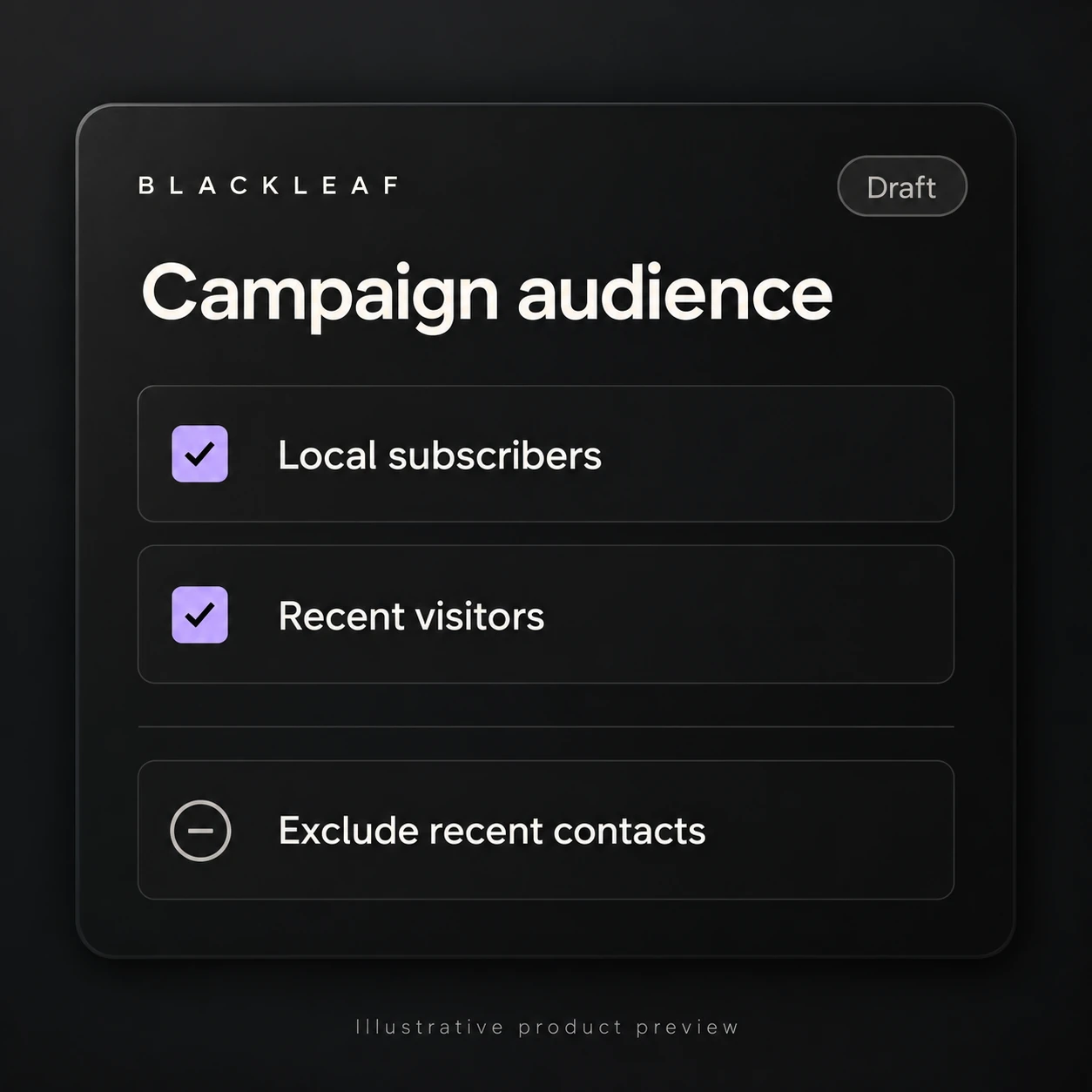
Multi-list campaigns and improved campaign workflow

Cover: illustrative product preview. Interface details and sample content are representative.

Most campaign workflows break down at targeting.

You build a message, pick a list, send it. Then you realize you need to hit another segment. Then another.

So you duplicate the campaign. Recheck everything. Send again.

That works, until it doesn’t.

This release removes that pattern and replaces it with something simpler.

Multiple contact lists in one campaign

You can now send a single campaign across multiple contact lists.

This changes how campaigns are built:

  • No more duplicating campaigns just to reach another segment
  • No more re-checking the same message across multiple sends
  • No more fragmented targeting across separate workflows

Build once. Adjust targeting. Send with confidence.

For an integration that edits campaign audiences, use the campaign audience API guide to review saved-list inclusion and exclusion rules, queued-action results and the draft audience before a separately authorized launch. Combining lists does not override an opt-out.

A campaign flow that matches how teams actually work

The campaign builder has been reorganized into a clear sequence:

  1. Select contacts
  2. Create the message
  3. Configure the landing page

This is not a new feature. It is a correction.

Campaigns should follow how they are built in practice, not how a system thinks they should be built.

Previews that reflect the real send

Message and landing page previews are now part of the workflow, not an afterthought.

This makes it easier to answer critical questions before sending:

  • What does the message actually look like?
  • What does the customer land on?
  • Does everything connect the way it should?

In a performance channel, small mistakes matter. Visibility reduces them.

For more on how messaging and landing pages work together, see how dispensary texting works.

Clearer execution before and after sending

Campaign details like cost, scheduling, and results are now easier to review directly in the workflow.

This makes it easier to:

  • Validate a campaign before it goes out
  • Understand what happened after it runs

Texting is measurable. The system should reflect that.

Review delivery at larger volumes

When reviewing a larger campaign, compare its delivery results with the intended audience and send schedule.

Investigate unexpected results before increasing volume or repeating the campaign.

Why this matters

The headline is multiple lists. The real change is workflow.

Campaigns are now easier to build, easier to review, and easier to send without unnecessary duplication.

Use the revised workflow to check audience selection, message and landing page previews, cost, and timing before each send.