Media Creator now makes the next step clearer, from choosing a starting prompt to following a video through generation.
Choose a starting point and make it yours
Image and video presets adapt to whether the selected brand has available deals. A preset fills the prompt rather than immediately submitting it, so you can revise the request and keep your selected generation settings. Clearing the prompt brings the starting options back.
See that generation has started
Generate immediately shows Preparing, then moves into Generating as the request progresses. The interface blocks repeated submissions while that request is starting, reducing uncertainty about whether the click was received.
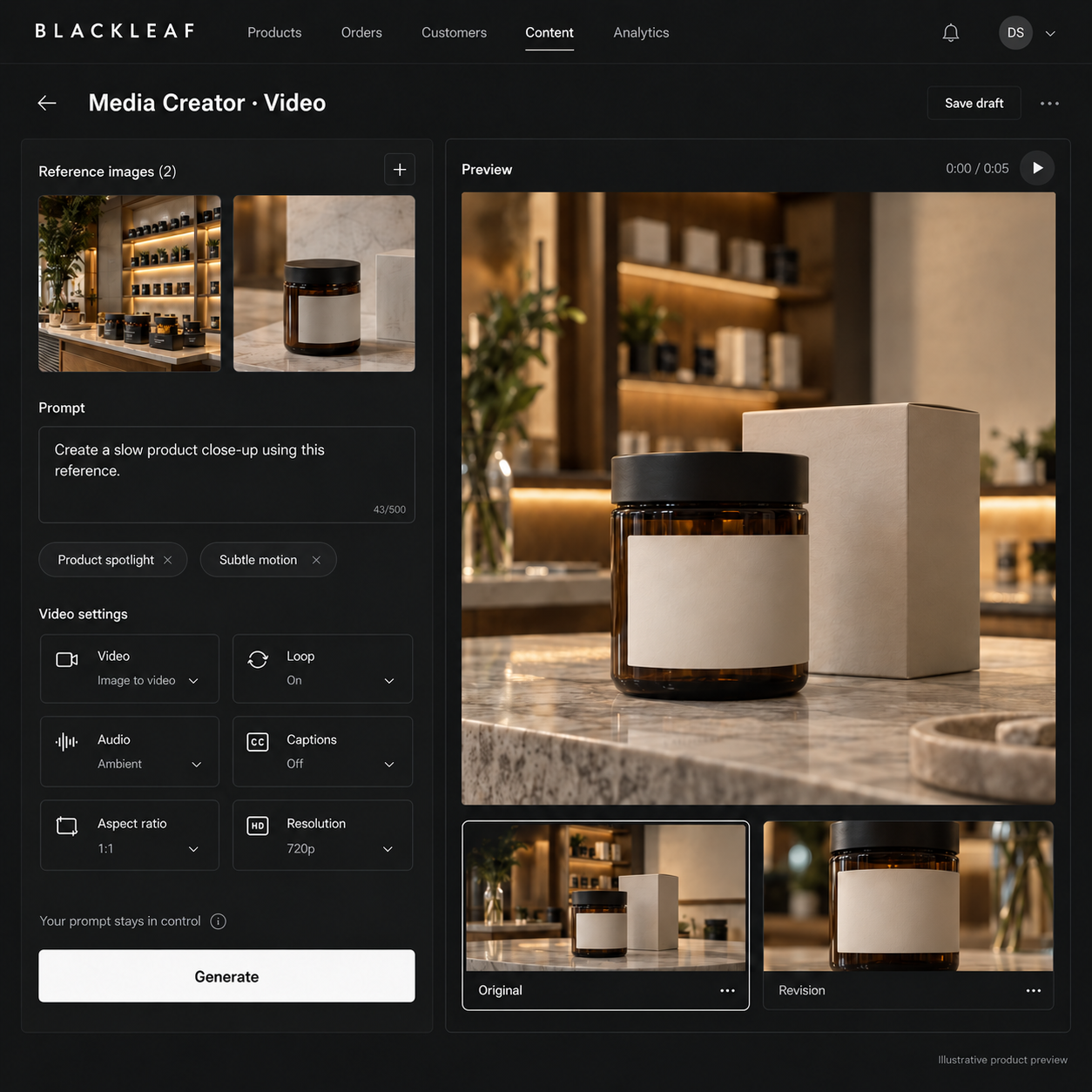
Direct the video from your artwork
Use an existing image as the source for a video and write the motion or scene you want. Ordinary direct requests retain your typed direction without purchasing an automatic creative rewrite. Flyer and Loop controls define how the source artwork is used at the beginning and end. Review the resulting motion and printed details before using the clip.
Keep finishing choices separate
Sound, background music, and captions remain separate choices. Caption settings are retained for post-production, while the video generator is asked to leave caption text out of the footage. The existing transcript and caption tools support a final readability check.
Return to the finished asset
Completed videos are saved to the media library and their project. Completion notifications can link the initiating account back to the saved video when email delivery is configured. If finishing fails, recovery retains the existing purchased video job rather than silently submitting a replacement.