Customer conversations now keep their place when you need more context. Open a contact from the Inbox and its details appear in an overlay above the conversation, rather than taking you to a separate page.
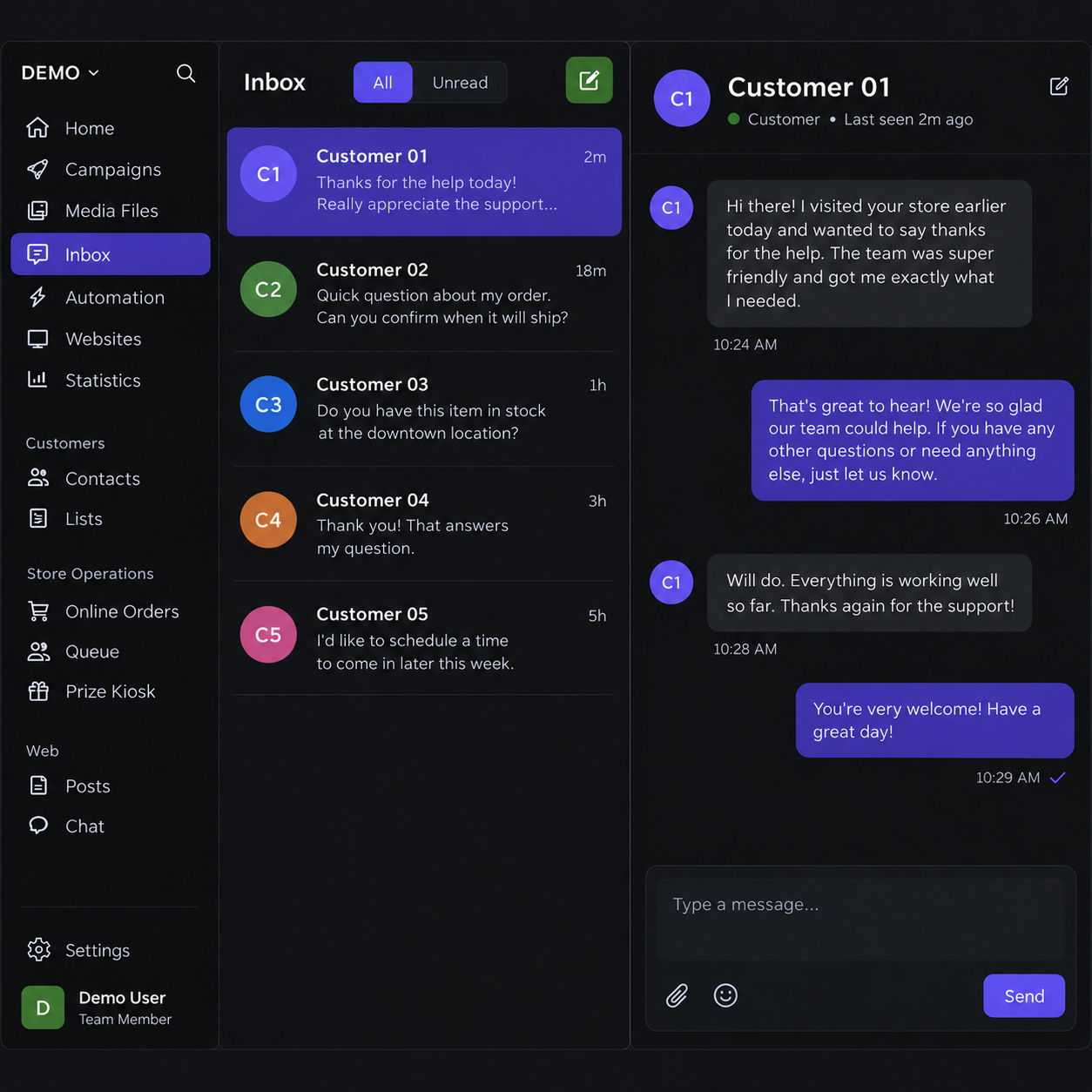
Table of Contents
Inspect a customer in context
The contact link opens the customer’s record while the Inbox remains behind it. Review the details you need, close the overlay, and continue from the same conversation and list position. There is no need to reconstruct what you were reading after checking a contact.
Make selection easier to see
The selected conversation uses the same selected color language as the main navigation. That makes it clearer which thread is open while scanning neighboring messages.
Why this matters
Replies are easier to handle when customer context and the conversation stay connected. The overlay supports a quick check without interrupting the flow of the Inbox.