Texting setup now has a more useful helper alongside the application. Website checks, business documents, questions, and review feedback stay connected to the details you are preparing.
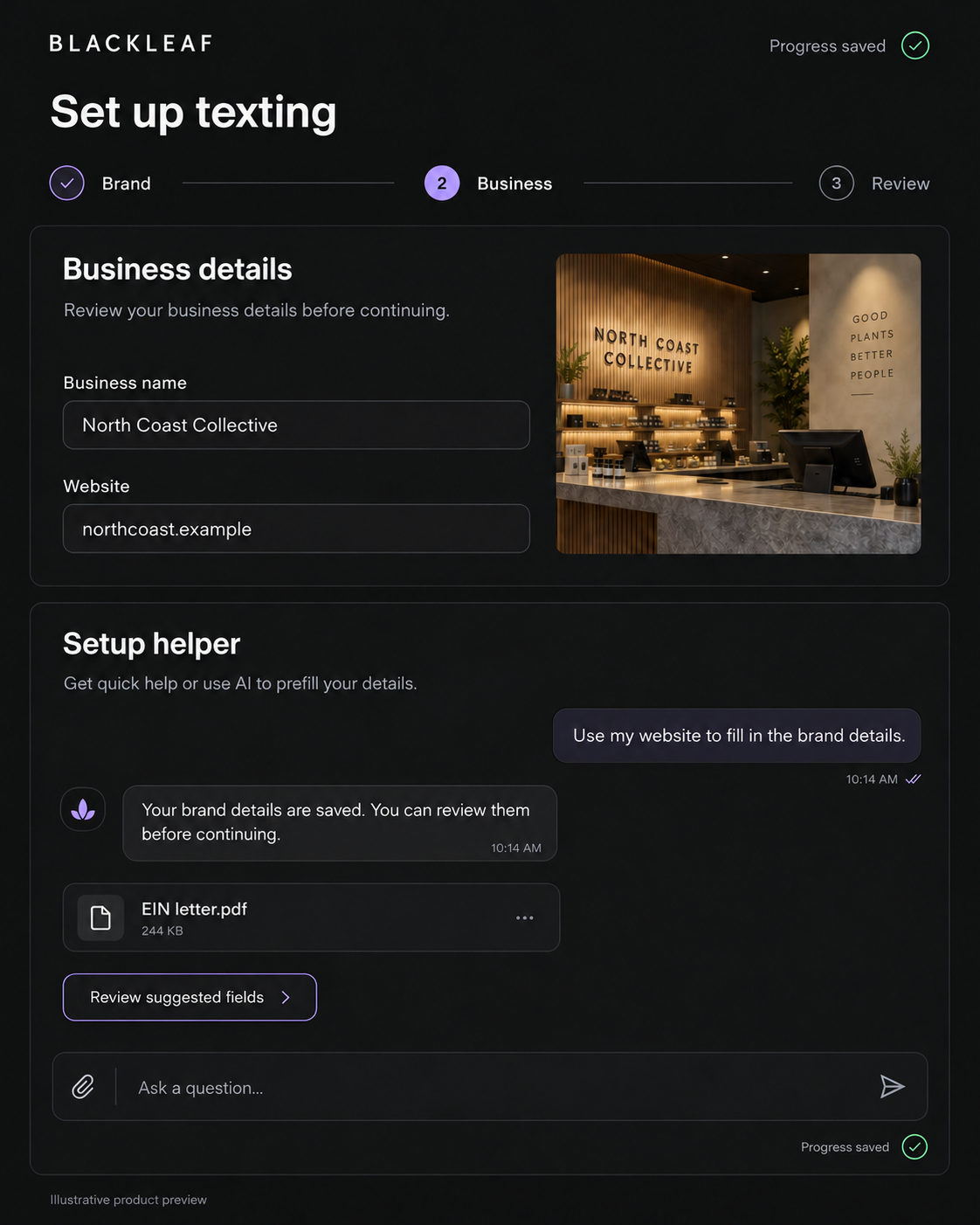
Start from your website
Enter your website to begin gathering brand information and preparing the application. Manual details remain available, and you can check the proposed information before relying on it. Starting a new workspace can also use a website scan without changing the workspace you currently have open.
Bring in the business details
An optional EIN registration letter can help fill empty business fields. Upload a supported PDF or image, review the extracted information, and correct anything that needs attention. Existing typed information is retained rather than silently replaced by document extraction.
Keep the conversation
Ask questions before or after a website scan. The helper retains the conversation, attachments, and application feedback when you return, so you can follow the context behind a correction. Proposed field changes can be reviewed in the helper before applying them.
Save email details before activation
Email setup now lets you save sender, domain, and business details and reopen them later, including when activation is not yet available. Saving those details does not activate a sending account, purchase a domain, or bypass the verification and authorization steps.
Review before moving forward
The application keeps business details, plan costs, confirmation, and payment in their own steps. The helper makes preparation easier; it does not replace your review or guarantee carrier approval.