- Choose placements customers can understand.
- Review the program before placing the invitation.
- Trace the invitation to the current permission record.
- 12 placements to evaluate.
- Rehearse the records that should stay on hold.
- Opt-in placement questions, answered.
- Measure what reaches the eligible audience.
- Keep the source and review date with the plan.
- Review the actual Blackleaf signup setup.
Choose placements customers can understand.
Dispensary SMS opt-in placements can include counter signs, receipts, loyalty forms, pickup areas, a website and events. Choose a few that fit your customers, explain the actual texting program and trace each signup to usable permission evidence. A scan or submitted number is an early step, not necessarily a new eligible subscriber. No placement is a proven universal winner.
This guide offers 12 placements to evaluate, source-tracking examples and a measurement plan. The numbered order is a planning list, not an impact ranking or a promise of growth. Use the consent-record guide for the deeper evidence, withdrawal and migration process.
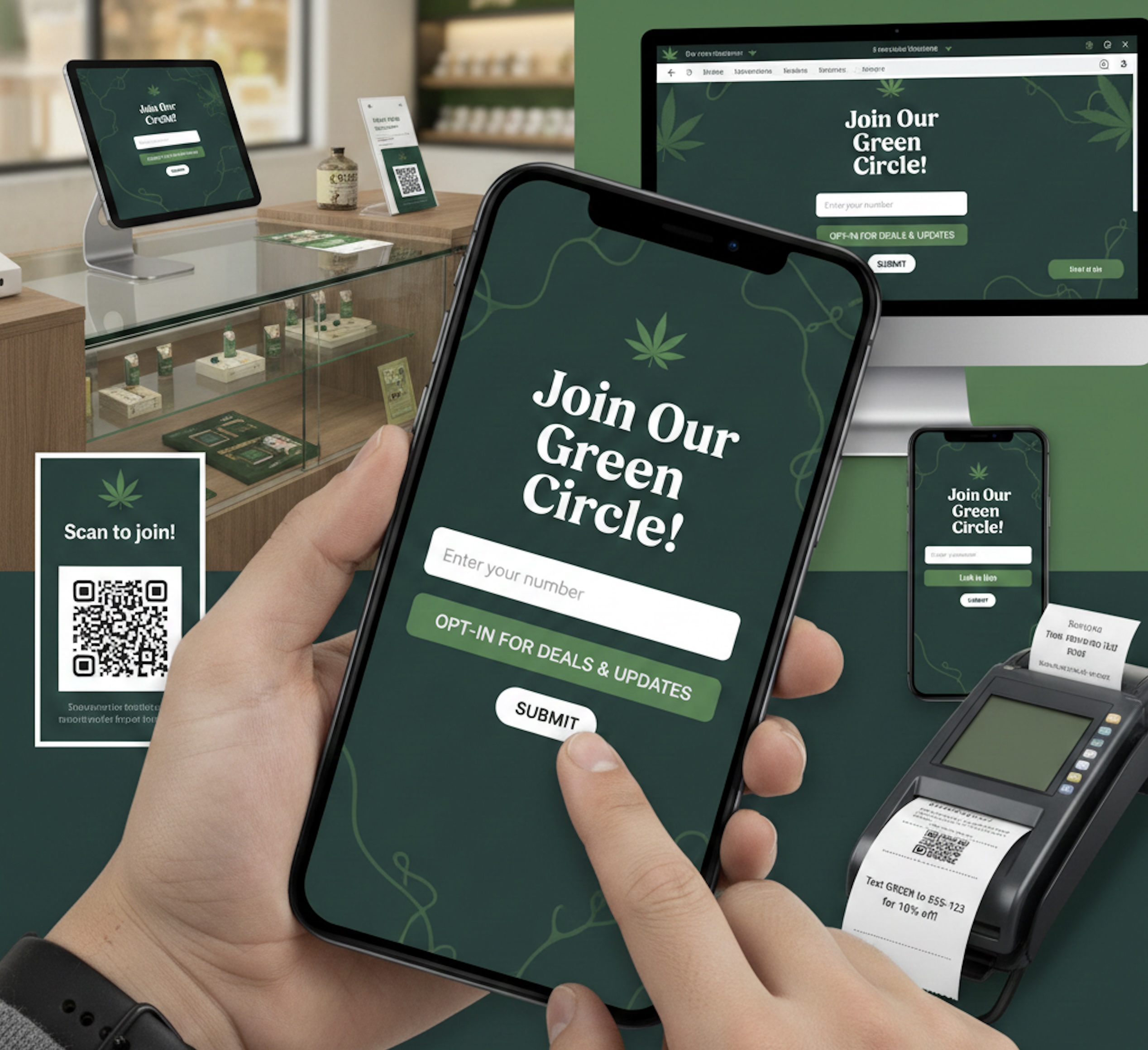
The featured image illustrates possible signup surfaces. It is not a live Blackleaf screen, working QR code or approved disclosure. Do not copy its pictured form or contact details into your program.
Review the program before placing the invitation.
Start with the actual sender, destination country, message purpose and supported provider route. Customer permission, applicable law, registration, age controls and provider acceptance are separate checks. A placement cannot make an unsupported use case eligible.
Twilio’s current cannabis/CBD restriction, for example, prohibits those businesses’ SMS and MMS in the United States and Canada regardless of message content. This is a Twilio-specific rule, not evidence of Blackleaf’s routing. Calling a promotion an order update, removing cannabis terms or adding an age gate does not override that prohibition.
- Make the retailer and real purpose visible before the person acts. If the program includes recurring offers, say so; do not invite people to receive receipts and quietly enroll them in promotions.
- Keep optional marketing enrollment separate from checkout, WiFi access, support, email and loyalty participation. Use an affirmative, unambiguous action rather than a preselected choice.
- Review the actual program description, recurring or automated behavior, frequency expectations, charges, help and withdrawal instructions, terms and privacy information with counsel and the provider. Do not shorten required information merely to improve a form metric.
- Check required age controls for the actual market and program. A retail ID check, website age gate and messaging permission solve different problems.
- Test every destination and any required confirmation through the permitted process. An opened link or unsent prefilled text is not a completed action.
CTIA’s May 2023 principles recommend clear invitations and documented opt-in. They are industry guidance, not a universal legal approval. Review jurisdiction-specific requirements for your program.
Trace the invitation to the current permission record.
Give each placement a stable source key and preserve the sign or form version. The examples below are suggested measurement labels, not claims that Blackleaf automatically records every field. Confirm which fields your form, POS connection or authorized import actually provides. A URL tracking parameter helps identify a source; it does not prove what the customer agreed to.
- Invitation. Save the location, source key and exact sign or page version. Confirm that its link opens the intended retailer and program.
- Disclosure. Keep what the person could read before submitting, including the relevant terms and privacy versions.
- Action. Record the actual affirmative action, event time and identity match. Keep a required confirmation pending until completed.
- Current status. Reconcile duplicate profiles, later withdrawals, corrected numbers and the scope of the permission.
- Audience decision. Count a new eligible subscriber only under a documented rule. Hold missing, conflicting or unsupported records for review.
Keep the evidence securely in the approved system. Avoid putting phone numbers or personal identifiers in public URLs or analytics labels. A new purchase, another scan or an old import must not silently undo a current opt-out. Review actual connection scope and permission and suppression history.
12 placements to evaluate.
Choose placements your team can operate and audit. Source keys such as counter-sign are illustrative labels to adapt per store and program. They are not customer data or a live tracking configuration.
Checkout counter sign
Put an optional invitation where the customer can read it without blocking payment. Use a retailer-approved QR destination or supported keyword flow.
Source example: counter-sign. Verify: Keep the sign version, store/station and source event. A QR scan or a prefilled text that was never sent is not enrollment.
Receipt footer or digital receipt page
Offer a separate path to the actual SMS program after the purchase. Keep the receipt itself useful whether the person subscribes or declines.
Source example: receipt. Verify: Verify the printed and digital links. A receipt phone number or acceptance of a digital receipt does not establish recurring marketing permission.
Loyalty enrollment form
Separate optional SMS choices from the loyalty account and other channels. Make the sender and message purpose clear before submission.
Source example: loyalty-form. Verify: Keep the selected choice and disclosure version. A loyalty flag or reward balance is not automatically an SMS permission field.
Pickup-area sign
Let a waiting customer review the program voluntarily. Keep operational pickup updates distinct from optional recurring offers.
Source example: pickup-sign. Verify: Tag this source separately from counter signage. Do not mark an order ready or enroll the customer merely because they entered the pickup area.
Shared tablet or kiosk join screen
Use a dedicated optional signup path on an approved device. Rehearse keyboard access, readable disclosure, error handling and the return to a blank state.
Source example: store-tablet. Verify: Confirm the previous visitor’s details are cleared before the next person uses it. Do not inherit another customer’s identity or permission.
Guest WiFi portal
Keep WiFi access usable without optional marketing enrollment. Show the separate message choice and privacy information clearly.
Source example: wifi-portal. Verify: Test the decline path. WiFi acceptance, device presence and a portal visit are not SMS consent.
Website signup page or optional popup
Provide a readable, accessible form with a clear close or decline path. Test actual mobile screens; a persistent signup page may be easier to revisit than an overlay.
Source example: website-form. Verify: Track page/form views only when your instrumentation supports that definition. A popup impression, submit event and completed confirmation are different counts.
Post-purchase bag card
Use a clearly branded invitation the customer can consider later. State the real program instead of implying enrollment is needed to ask for help.
Source example: bag-card. Verify: Save the card version and distribution period. Forwarded cards can produce visits outside the store, so distributed cards are not unique viewers.
Delivery insert or confirmation page
Offer optional signup after the appropriate delivery interaction through a supported channel. Keep coordination and promotional enrollment separate.
Source example: delivery-followup. Verify: Keep delivery source and current order status distinct. Neither a delivery address nor a completed order supplies blanket permission for future texts.
Staff invitation at checkout
Train staff to offer the same optional path without pressure. A starting prompt is: “Would you like to review our optional text program? This page explains the messages and signup choices.”
Source example: staff-invitation. Verify: This prompt is not a complete consent disclosure. Let the customer review and complete the approved flow; do not substitute a staff tick for the required evidence.
Support or returns desk
Resolve the issue without requiring promotional signup. If useful, explain the supported case-update channel and offer a separate optional marketing choice.
Source example: support-desk. Verify: Keep case permission and promotional permission distinct. A request for help is not permission to send future offers.
Community event signup
Use a retailer-specific program invitation and approved capture flow. Check the actual event, age and jurisdiction requirements before collecting information.
Source example: event-form. Verify: Keep event/date, sender, form version and action evidence. An attendee list or partner-supplied contact is not a list of SMS subscribers.
Test the actual printed size, lighting, phone camera, readable destination and form behavior before distributing a sign or card. Use a human-readable fallback URL where appropriate. Avoid public example phone numbers, unverified short codes or a QR that silently opens the wrong program.
Rehearse the records that should stay on hold.
Use authorized test records and the actual supported enrollment process. These are review scenarios, not a promise that every control is automatic. Record what happened, which system enforced the decision and who owns an unresolved exception.
| Check | Record or decision |
|---|---|
| Number only | A phone number arrives without the disclosure/action evidence. Hold promotional enrollment and investigate the source. |
| Pending | A required confirmation was sent but not completed. Keep the record pending; sending or delivery is not confirmation. |
| Duplicate | One person scans a receipt and counter sign. Reconcile identity and source history; do not count two new subscribers. |
| Opt-out | A later opt-out conflicts with an old signup or delayed feed. Preserve the withdrawal and reconcile affected systems before outreach. |
| Wrong scope | The signup names another sender or only case updates. Review the actual permission before adding recurring offers. |
| Broken path | The link is stale, the terms are unreadable or the shared screen shows a previous visitor. Fix and retest the placement before using it. |
Do not send an unknown or purchased list a text just to ask for permission. A permission request is still outreach and needs an allowed basis and route. Use the deliverability guide to separate message acceptance, delivery and unresolved outcomes from enrollment status.
Opt-in placement questions, answered.
Which dispensary SMS opt-in placement works best?
There is no supported universal winner. Start with placements customers can understand and your team can audit, then compare new eligible subscribers, source evidence and follow-up outcomes under a consistent measurement plan. The 12 examples here are not ranked by measured impact.
Does scanning a QR code make someone an SMS subscriber?
No. A scan may only open a page or draft a text. Verify the disclosure, actual affirmative action and any required confirmation. Reconcile current permission and suppression before counting the person as eligible.
Can we describe promotional signup as order updates?
Do not disguise the actual purpose. An order-update request should not quietly enroll a customer in recurring offers. Review the complete program and permission scope, and confirm that the business and provider route are supported.
Is a loyalty signup or digital receipt enough for marketing texts?
Not by itself. Identity, loyalty participation and receipt delivery are separate from permission for recurring promotional texts. Preserve what the person saw and agreed to, including the relevant sender, purpose and action.
What disclosure should appear on the sign or form?
Use wording reviewed for the actual program, law and provider. Make the sender and message purpose clear before the customer acts, and review recurring behavior, frequency, charges, help, withdrawal, terms and privacy information. These examples are not universal approved consent language.
Should every signup require a second confirmation?
Confirm the applicable legal and supported enrollment requirements. If a step is required, keep the record pending until completed. A second confirmation does not repair a misleading initial invitation, establish every signature requirement or make an unsupported provider route permitted.
Can we offer an incentive for joining?
Review the actual offer, age and market restrictions, program terms, provider acceptance and whether the choice is freely made. Explain the conditions accurately and keep required services separate. This guide does not establish that a discount, contest or incentive is permitted or will improve qualified growth.
How should staff invite customers to join?
Offer a voluntary path to review the actual program and disclosure. Do not pressure the customer, require promotional signup to complete a purchase or resolve support, or use a staff-selected flag as a substitute for required customer evidence.
How do we measure a placement without reliable view counts?
Report the counts you can support: unique submissions, new candidates, eligible additions, unresolved records and later withdrawals. Label the exposure denominator unavailable rather than dividing by unrelated foot traffic or transactions. Do not compare rates with different denominators as if they measure the same thing.
Do we need Blackleaf POS to improve SMS signup?
No. Blackleaf texting can complement supported existing POS systems. Confirm the form or authorized data method, available source and permission fields, current suppression, update timing and messaging setup. A POS switch is a separate decision.
Measure what reaches the eligible audience.
Define the reporting window, store, sender/program and identity rule before comparing placements. Keep the source event and current status separately so later corrections or withdrawals do not erase the history. A form dashboard can report views and signups without establishing new messaging eligibility.
| Check | Record or decision |
|---|---|
| Exposure | Actual unique eligible viewers or another explicitly defined exposure count, if available. State the method; printed cards distributed or store transactions are not automatically form views. |
| Actions | Form or keyword actions received. Remove test/spam records and reconcile duplicates before reporting unique people. Keep exclusions and unresolved identity visible. |
| New people | Unique people not already eligible for this same sender/program at the defined starting point. Separate re-enrollment and delayed historical imports. |
| Eligible adds | New candidates with the required evidence and confirmation, supported scope and no current suppression. Define the rule and review time; no invented automatic permission score. |
| Yield | Eligible new additions divided by the defined exposure count, when valid. Report counts and the denominator; a submission conversion rate answers a different question. |
| Later status | Withdrawals, permission gaps, invalid numbers and delivery outcomes over a consistent follow-up period. State the denominator, missing results and the date of review. |
For list movement, reconcile the opening and closing eligible counts with new additions, valid re-enrollments, withdrawals, other removals and explained corrections. Gross submissions are not net growth. Do not subtract unrelated losses from one placement without a matching cohort.
Compare one practical change at a time with comparable exposure and the same definition. Customers who see a counter sign differ from website visitors; a higher observed rate is not proof the placement caused the difference. Do not remove a required disclosure to win a conversion test. This guide provides a measurement design, not a growth benchmark or a promised timeline.
Keep the source and review date with the plan.
Official sources reviewed October 15, 2026:
- CTIA Messaging Principles and Best Practices, May 2023: voluntary industry guidance on invitations, permission records and consumer choice.
- Twilio Messaging Policy, updated April 13, 2026: provider-specific permission, scope and withdrawal requirements; it is not a statement of every provider’s terms.
- Twilio error 30860: the cannabis/CBD business restriction for U.S. and Canadian SMS/MMS, regardless of message content.
Keep your actual provider agreement and jurisdiction-specific legal review with the rollout record. Recheck when the sender, purpose, route, country, signup flow or terms change. This operational guide does not supply universal legal approval or a delivery guarantee.
Review the actual Blackleaf signup setup.
Bring Blackleaf the placements you want to test, the signup destinations, disclosure versions, source fields and current suppression process. Confirm what the supported form, connection or authorized import captures and how it reaches the messaging audience. Keep uncertainty visible until the responsible person resolves it.
Texting can work with supported existing POS systems without a POS switch. Use the Blackleaf onboarding guide and integration scope to plan the actual setup; do not infer every field or automatic control from a generic signup example.