- Why a Dispensary Sales Calendar Matters
- Plan for 4/20, Green Wednesday and Year-End
- Assess Halloween and 7/10 for Your Store
- Evaluate Black Friday and Labor Day Without Assumptions
- Measure Holiday Results With Comparable Windows
- Build a Reviewed Holiday Communication Plan
- Put the Calendar to Work With Blackleaf
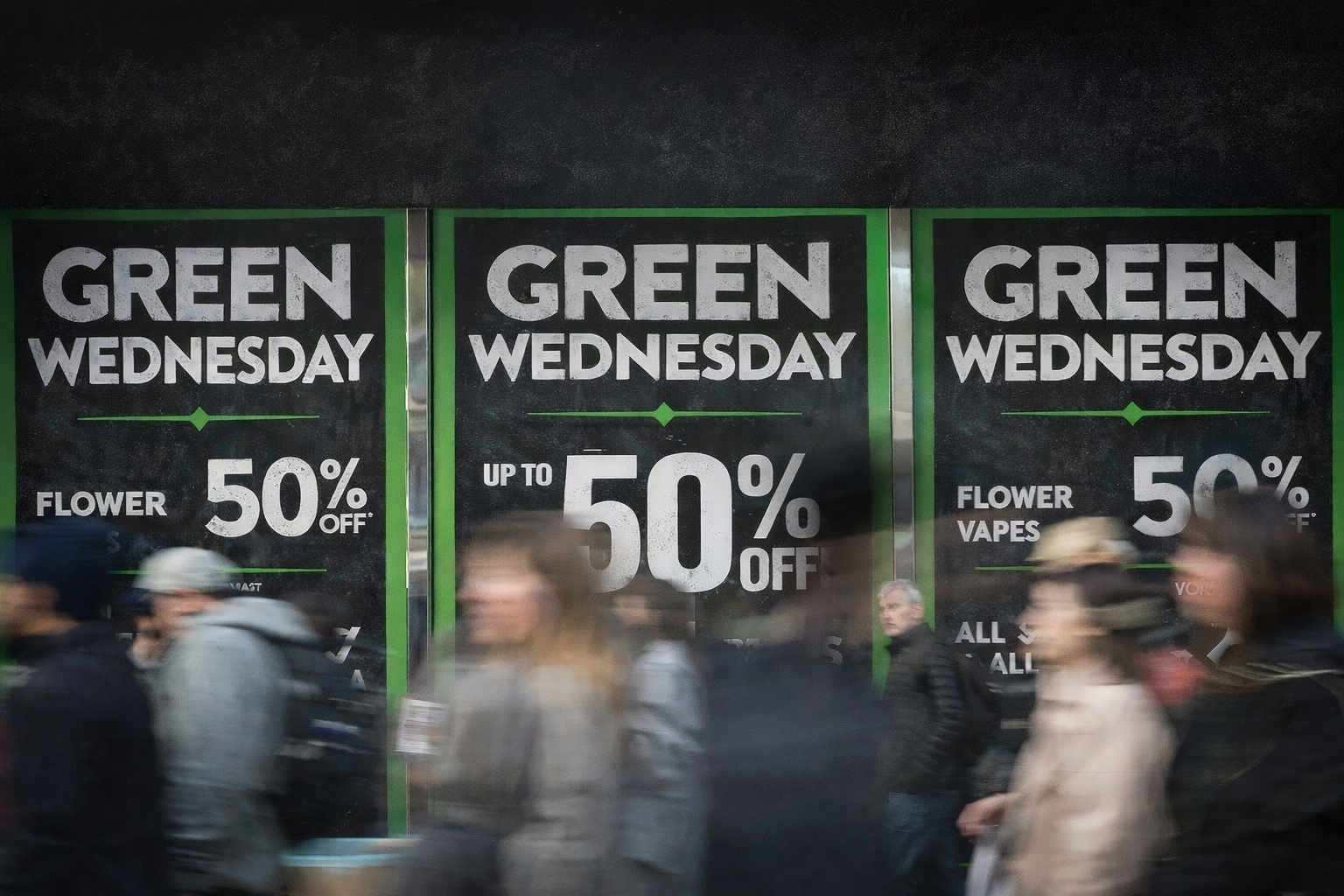
Green Wednesday is the day before Thanksgiving. In 2026, it falls on Wednesday, November 25. The other dates in this guide include 4/20 on Monday, April 20 and 7/10 on Friday, July 10. Use the calendar to organize store operations and customer communication, then use your own records to decide which events deserve more attention.
No single holiday ranking predicts every dispensary’s revenue. Store hours, location, product mix, discounts and the comparison period can change the result. A useful plan connects each date to a customer need, an accountable owner and a measurable question.
Why a Dispensary Sales Calendar Matters
A sales calendar is a preparation schedule, not a reason to send a promotion for every occasion. Record the event date, confirmed store hours, staffing decisions, inventory review, offer terms where permitted and the deadline for approving customer communication.
- Assign an owner for hours, pickup cutoffs and last-minute changes.
- Define the eligible audience and review current permission and exclusions.
- Check each recipient’s combined contact schedule, including automations.
- Decide what to measure and which comparable days to use before the event.
Prepare the campaign early enough to resolve missing information. Extra sending does not establish eligibility or guarantee delivery. The 4/20 planning guide covers audience, message and recipient-frequency review.
Plan for 4/20, Green Wednesday and Year-End
4/20: Review the Whole Store Plan
For April 20, review your previous event’s transaction counts, net sales, discounts, queues and staffing notes. Use the findings to plan store hours, pickup expectations and staff coverage. A large sales total alone does not show whether the event improved margin or customer experience.
Give each proposed text a clear purpose and permitted audience. Confirm the provider’s requirements and the complete destination page. An age-gated page is not a substitute for permission or provider acceptance.
Green Wednesday: November 25, 2026
The 2026 OPM holiday schedule lists Thanksgiving on Thursday, November 26. Green Wednesday, the preceding day, is therefore November 25; Black Friday follows on November 27. These dates do not determine a dispensary’s opening hours.
Confirm each store’s Wednesday and Thanksgiving hours, any pickup cutoff and who will respond to questions. Review Wednesday separately from the surrounding week so a change in shopping timing is not mistaken for a proven increase in total demand.
For each pickup method you offer, confirm the last time customers can place an order and the last time they can collect it. Compare both times with what customers see on the ordering page before you approve the draft text. For orders the store has already accepted, use the order alert timeline to plan pickup updates.
Headset’s November 2024 Green Wednesday review discusses historical results, including 2021 through 2023. It provides context for planning questions, not a forecast for an individual store in 2026.
Christmas Eve: Confirm Hours and Cutoffs
Christmas Eve is Thursday, December 24 in 2026. Verify your store’s actual schedule, pickup arrangements and support coverage. If a customer needs a service update, keep its purpose and audience distinct from an optional promotion. Do not assume that a holiday creates permission for either type of message.
New Year’s Eve: Keep Time-Sensitive Details Current
New Year’s Eve is Thursday, December 31 in 2026. Make closing times, offer expiration and pickup details consistent across staff instructions, messages and destination pages. Assign someone to remove or correct outdated scheduled work when plans change.
Assess Halloween and 7/10 for Your Store
Halloween
Halloween falls on Saturday, October 31 in 2026. Review comparable Saturdays, local events and your prior Halloween records before deciding whether hours, staffing or communication should change. Choose a useful customer task rather than adding a message simply because the date appears on the calendar.
7/10
July 10 is another date to assess against your own product mix and customer records. Review category demand, offer terms and inventory before committing to a campaign. A customer’s purchase history can inform relevance; it does not replace messaging permission. Do not infer that every customer wants a category-specific promotion.
Evaluate Black Friday and Labor Day Without Assumptions
Black Friday
For November 27, 2026, compare expected staffing and offer costs with your own previous Fridays and Black Friday records. Review net sales alongside transaction counts, discounting and margin when reliable cost data is available. More transactions do not necessarily mean more profit, and an industry-wide result does not establish your store’s outcome.
Labor Day
Labor Day falls on Monday, September 7 in 2026. Use your own Monday and prior holiday records to assess its role in the calendar. Account for closures, shortened hours and local conditions rather than assigning it a universal low-performance ranking.
Measure Holiday Results With Comparable Windows
Choose the comparison before reviewing the result. One useful starting point is the same store and weekday across the previous four weeks, with the same sales definitions and time zone. Note other holidays, closures, missing data and unusual promotions that make those days less comparable.
Headset’s analysis of Thanksgiving 2019 illustrates a comparison with preceding matching weekdays. Its historical market results are not Blackleaf customer evidence or current-store forecasts.
- Record the store, event window, opening hours and comparison dates.
- Keep sales definitions, returns and cancellation treatment consistent.
- Review transaction counts, net sales and average order value separately.
- Include discounts, inventory constraints and margin where dependable data exists.
- Compare the event day and the surrounding week, explaining any data gaps.
If the baseline is zero or unreliable, report the available counts and limitations rather than a misleading percentage. A before-and-after sales difference does not isolate the effect of a text campaign. Delivery status, redemptions and store sales answer different questions.
Download the blank holiday sales comparison sheet (CSV) to record the event day and preselected comparison days for one store. Optional week rows help review whether shopping shifted within the week. Dates, counts and sales cells start blank; the sheet contains no formulas or forecast.
- Window and hours: Record local start and exclusive end times, time zone and actual hours open. Choose comparison windows before reviewing results; keep day and week comparisons separate.
- Orders and sales: Use consistent completed-order and net-sales definitions, currency, discounts, returns, cancellations and tax treatment. Record the data source and definitions in the sheet.
- Limits: Note closures, stock shortages, unusual offers and missing data. Leave an unavailable value blank rather than entering zero. A difference between periods does not establish campaign lift.
Build a Reviewed Holiday Communication Plan
Specify the audience, customer purpose, sender, local time, destination page, approval owner and pause conditions for each proposed message. Reconcile consent and the latest opt-outs, include automated messages in frequency review, and confirm required age and intended-recipient checks before activation.
Plan who will answer replies and update store information. Avoid unsupported promises about number warm-up, filtering or sales. The onboarding checklist helps organize setup questions; the SMS launch guide explains eligibility and readiness checks.
For each proposed text, use the message draft review guide and its existing blank worksheet for facts, audience checks, timing, reply ownership and approval review. Keep that communication record separate from the store-sales comparison. Neither planning aid sends or approves a campaign. Keep customer records and credentials out of shared copies.
Put the Calendar to Work With Blackleaf
Use confirmed dates and your own store evidence to choose the next operational or communication step. Bring the proposed audience, hours, workflow and measurement questions to the review.
Blackleaf’s dispensary text marketing platform supports campaigns and customer conversations, including Texting alongside a supported existing POS without switching POS systems. Confirm the connection, message purpose and activation requirements for your stores.