The Redesigned Campaign Studio

Table of Contents
Build, review, schedule, and measure one-time campaigns and automations from one clearer messaging workflow. HTML Code

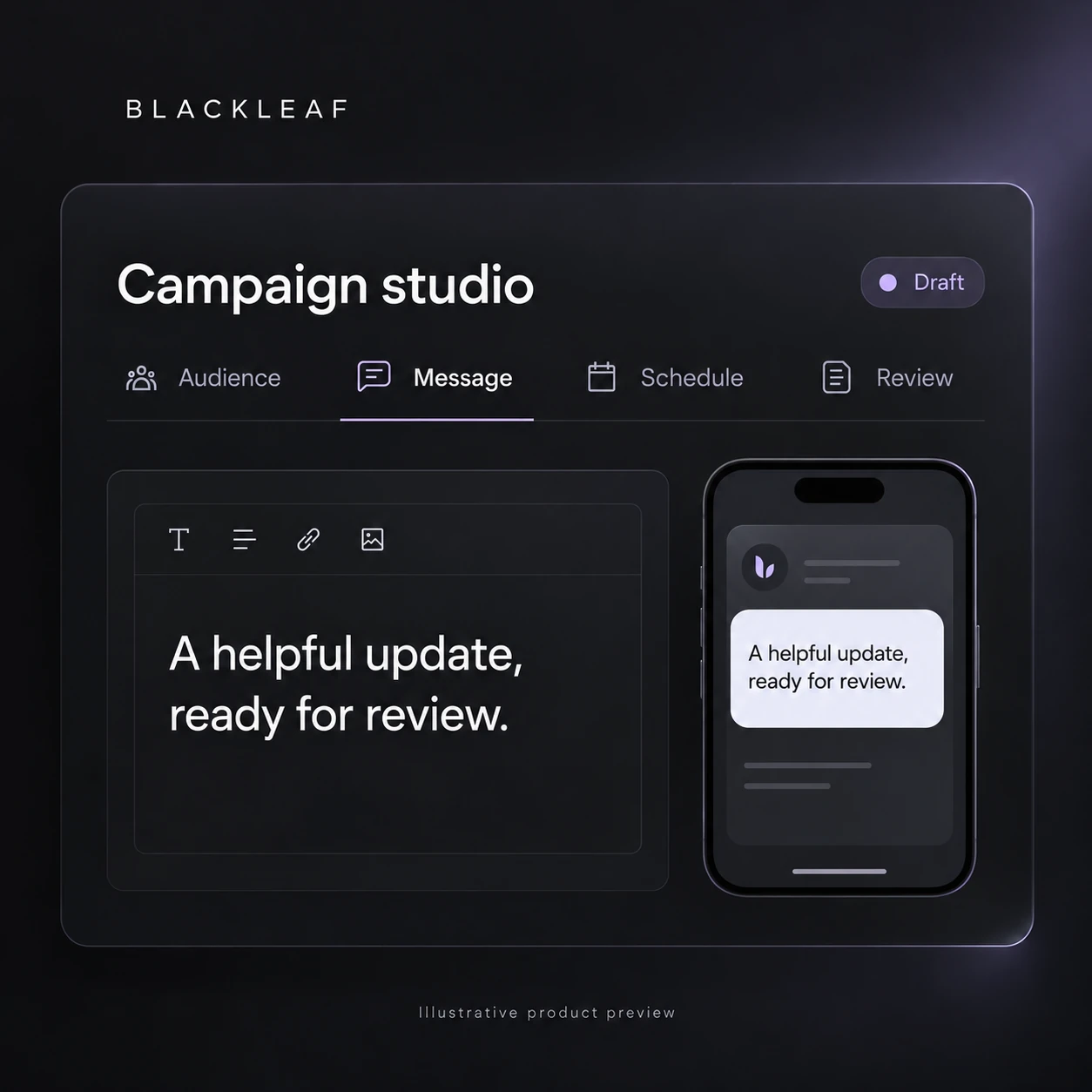
We redesigned the Campaign Studio to make the complete messaging workflow easier to understand and faster to manage.

Audience selection, sender configuration, message creation, landing pages, scheduling, testing, results, API controls, and campaign status now live in one organized experience. Each step has a clear place without separating the decisions that affect the final send.

One workspace from audience to results

The Campaign Studio is organized around the actual lifecycle of a message.

Move between Message, Landing Page, Results, Test Messages, API, and Summary without rebuilding context. One-time campaigns and automated campaigns use the same core structure, while each view exposes the controls that matter for that campaign type.

Choose the audience with confidence

The audience chooser now makes inclusion and exclusion rules visible before a campaign is sent.

Select customer lists through a focused modal, review the number of eligible contacts, and exclude audiences that should not receive the message. Counts update as selections change so the expected reach is clear before scheduling.

Select the right sender profile

Sender profiles are selected through the same focused chooser pattern.

Each option shows the number of available sending lines, making it easier to understand the sending capacity behind the campaign. The selected profile remains visible alongside the message and schedule instead of being buried in a separate configuration screen.

Create SMS and MMS messages in context

Message creation now brings text, media, variables, and validation into one composition area.

Add an image from the media library, insert customer variables, preview the message, and review content requirements while writing. SMS and MMS costs remain visible so creative decisions can be made with both the customer experience and campaign budget in mind.

Connect a landing page without losing the message

Landing pages are now a first-class part of the campaign workflow.

Build the destination, configure the age gate and call to action, or use a direct web link when a hosted landing page is not needed. The landing page remains editable after a campaign has run, allowing destination content to be corrected without changing the original message record.

Schedule with a clear date and time

Send now and schedule for later are presented as clear operating choices.

When scheduling, an inline calendar and time control keep the send date visible in the campaign. Automated campaigns can also define when a message should send and how long the workflow should wait between steps.

Campaign controls follow the campaign status

The available actions now match the current state of the campaign.

Running campaigns can be paused or disabled. Completed and cancelled campaigns preserve the message and results without presenting controls that no longer apply. Editable areas remain available where a safe change is still possible.

See estimated and actual cost

Campaign cost is visible before and after the send.

Estimated cost helps teams understand the expected investment based on the selected audience, message type, and sending configuration. Actual cost records what the campaign used after delivery, giving the Summary and Results views a clear financial reference.

Why this matters

A campaign should be easy to understand before it is sent and easy to evaluate after it runs.

The redesigned Campaign Studio brings the decisions that shape audience, content, delivery, destination, timing, and cost into one workflow. This reduces setup mistakes, makes campaign status clearer, and gives teams more confidence in every send.