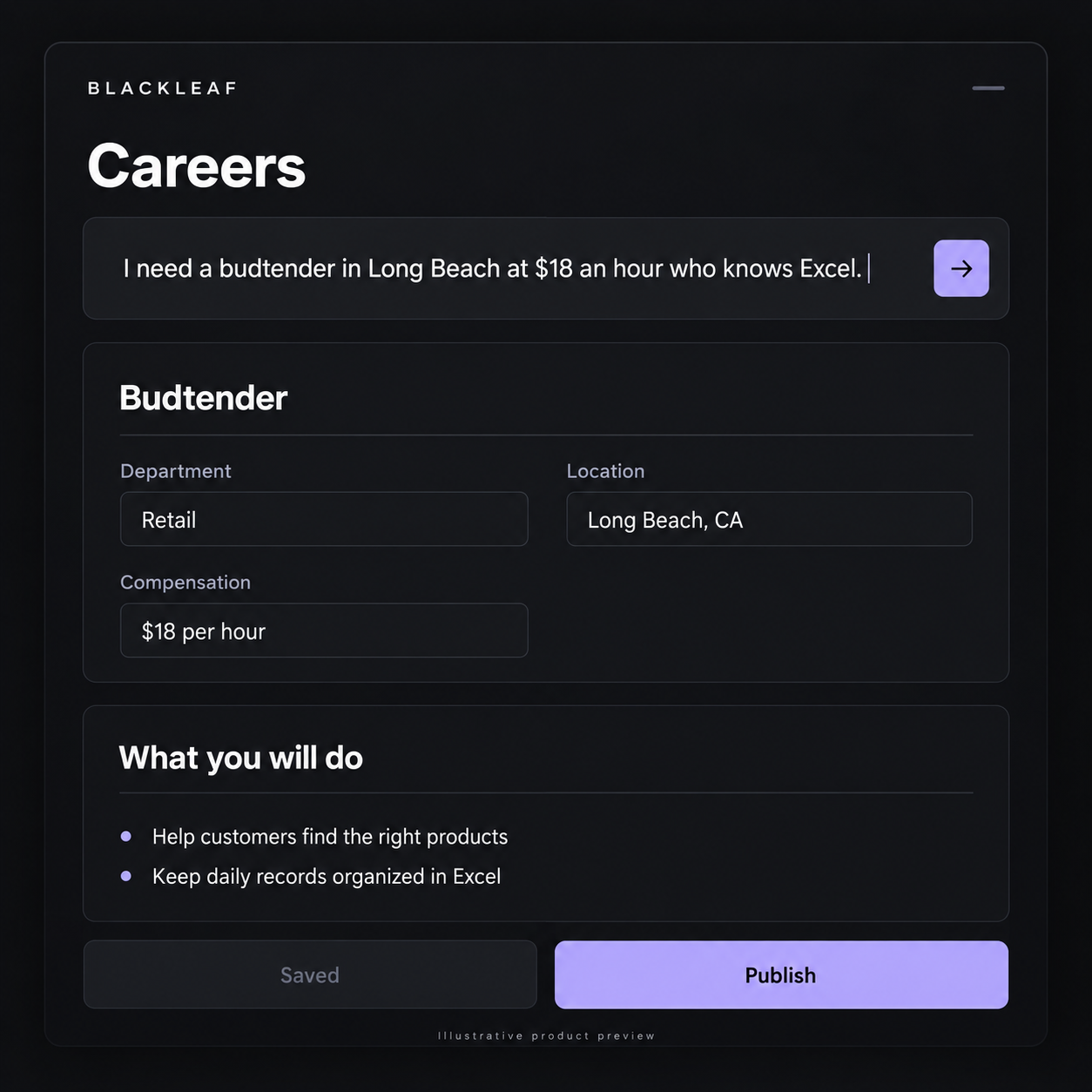
Hiring starts with what your store needs. Type “I need a budtender in Long Beach at $18 an hour who knows Excel,” and Careers can turn the request into an editable role using the brand you select.
Start broad or get specific
Use a job title or describe the role in your own words. AI prepares the title, department, location, work mode, employment type, introduction, and description. Explicit pay and requirements stay part of the brief. When researching compensation, the form shows the local market sources behind an estimate so you can review the proposed range.
Refine the role you already have
Follow up with “make this remote” or ask to change a requirement. The helper reads the current form, including unsaved edits, and updates the relevant parts while preserving unrelated details. Use the visual editor for headings, links, lists, and formatting, or switch to HTML for direct control.
Publish from your workspace
Careers keeps roles, departments, locations, and applicants organized by workspace. Save a draft, publish when it is ready, and unpublish when you stop hiring. Your job board groups open roles by department, with the application directly below each description. Applications and role changes update the admin views without a manual refresh.
Make applying easier
Applicants can drop a PDF resume at the top of the form. The reader checks that it is a resume, fills supported details, and keeps that file attached. Applicants review and submit their own application; information they already typed is preserved.