Blackleaf now has an MCP connection for working with your workspace from compatible AI apps, including ChatGPT, Claude, and Codex. Ask for a customer list, prepare a campaign draft, or inspect your workspace without translating the request into a series of clicks.
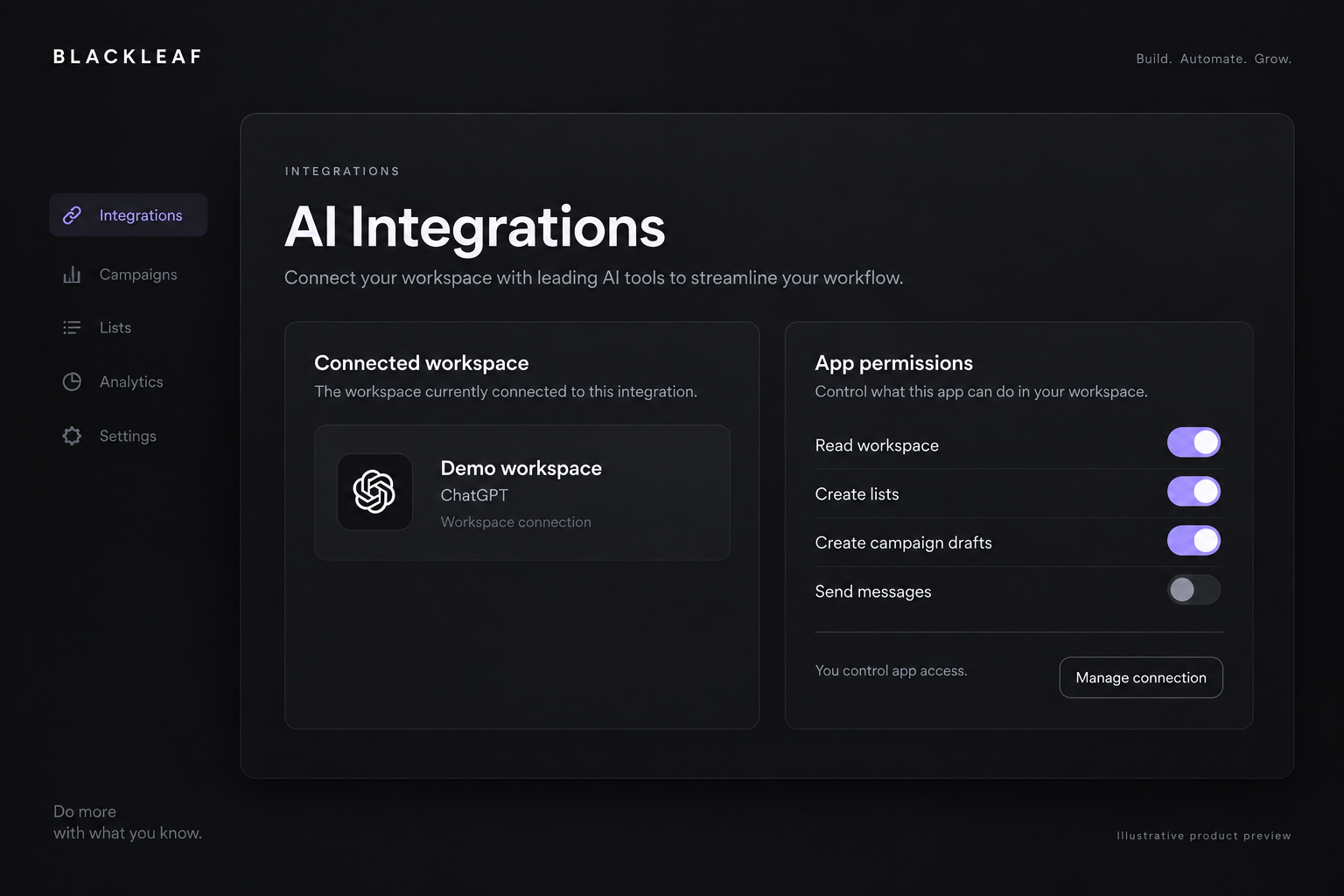
Connect the workspace you want to use
Sign into Blackleaf, choose a workspace you can access, and approve the actions the app needs. The connection belongs to that workspace. Manage connected apps and their permissions from AI Integrations in the platform.
Turn a request into a useful starting point
Ask for a list of customers in area code 562, then create an inactive campaign draft for that audience. The connection can also read campaigns and agents and create or update disabled Texting Agents. Drafts use your existing Blackleaf records, so your team can open and continue the work in the platform.
Choose what each app may do
Reading, list creation, draft editing, test messages, and campaign launch have separate permissions. Workspace controls set the available actions; each connection also needs the appropriate authorization. Sending and campaign starts are off by default. You can narrow access or disconnect an app from AI Integrations.
Keep the sending rules you already rely on
Authorized message actions use Blackleaf’s existing recipient checks, unsubscribe rules, and messaging charges. Test messages use the Campaigns testers list or the connected user’s verified phone. Creating a list or saving an inactive draft does not send a campaign.