The Helper is becoming a more useful part of doing the work. Conversations stay connected to the campaign, media project, or setup you are working on, and supported requests can use the same actions you already have in the platform.
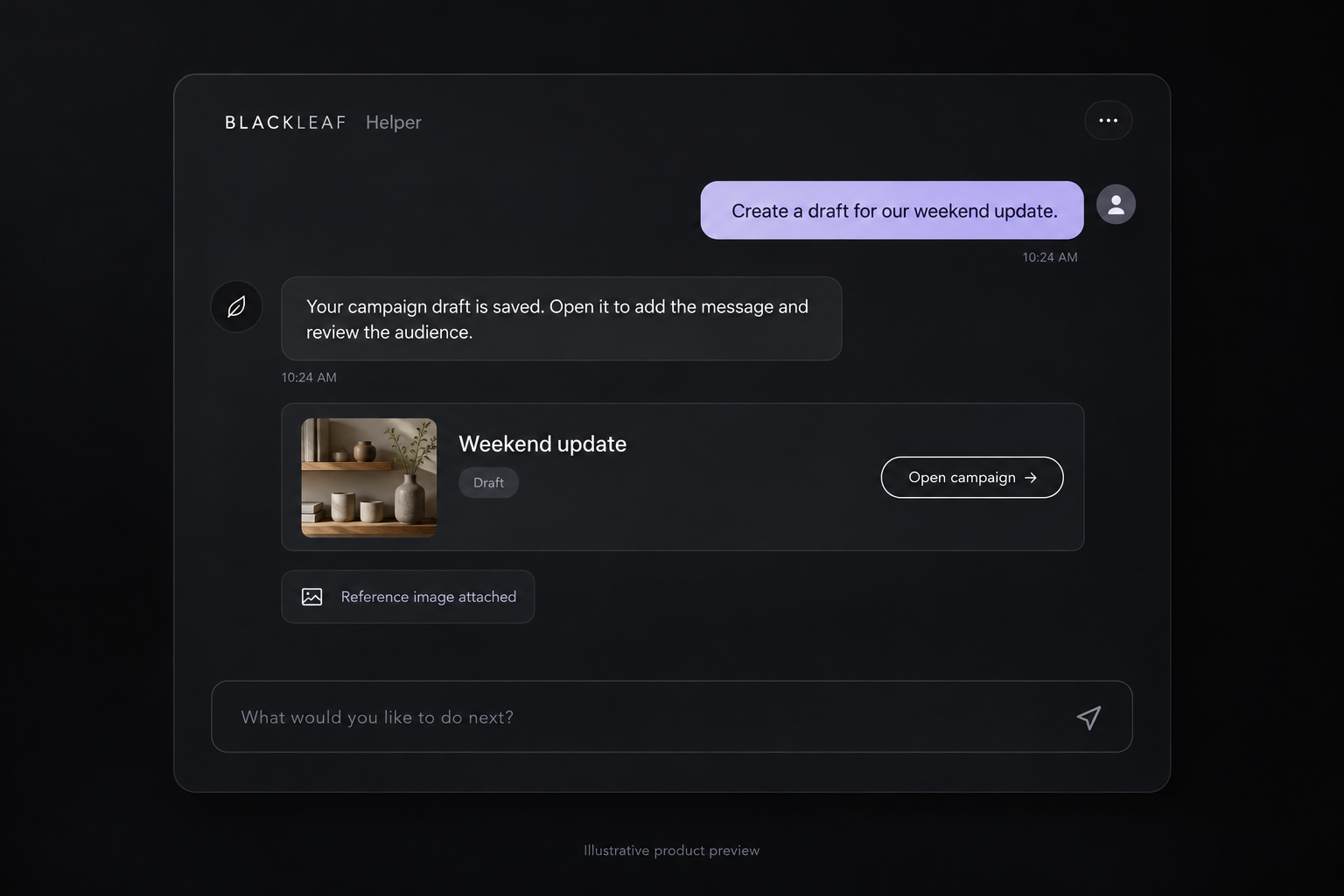
Continue from the conversation
Create an inactive campaign draft from a request and continue in its editor with the conversation attached. Return to a campaign or media project to pick up its saved history. Switching tabs within the same campaign keeps that context together.
Bring the reference with you
Add supported images, PDFs, videos, or font files to the shared Helper composer by choosing, pasting, or dropping a file. The Helper can use those references in later requests. An explicit artwork edit can pass an image into Media Creator without treating a business document as a public creative asset.
Ask for the next step
In a campaign, ask to see the customer preview, open test history, edit the audience, or save the draft. “Send me a test” uses the current campaign and the existing test-message workflow. Opening review keeps the final launch in the campaign’s normal confirmation flow.
Get help without losing your place
Support can answer from current account information and carry explicit image or video requests through the existing media workflow, returning saved results to the conversation. Customers can turn AI off, and a human support reply pauses automatic responses. The conversation and completed work remain available for the person who picks it up next.