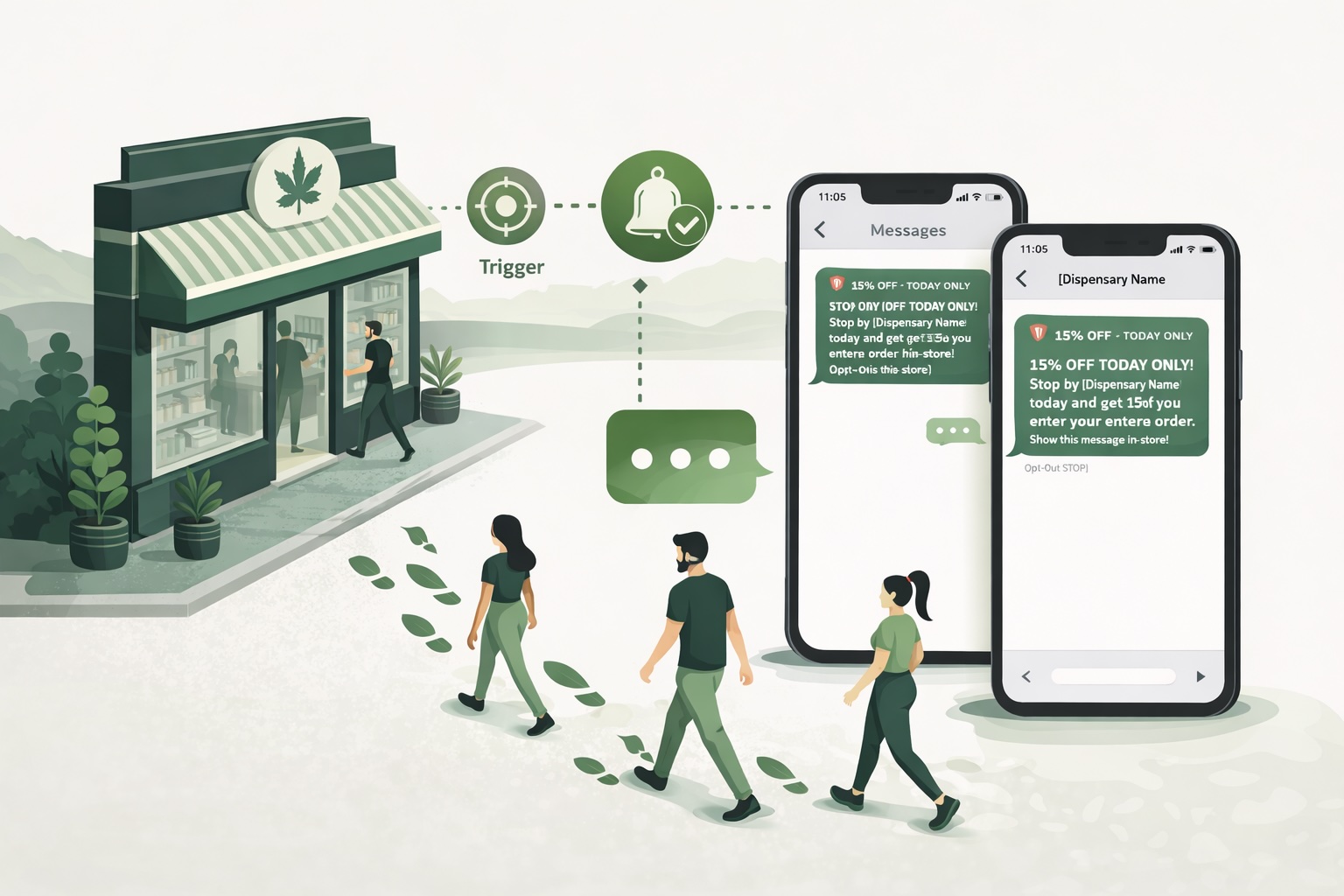
- What are automated SMS triggers?
- Choose an event you can verify
- Compare three possible trigger candidates
- Check actual pickup readiness
- Review cart events before planning a reminder
- Verify the benefit behind a reward trigger
- Choose timing from the event’s useful life
- Plan overlap and stopping conditions
- Keep permission and provider checks explicit
- Separate automation activity from actual outcomes
- Evaluate one supported Texting workflow
An automated SMS trigger connects a supported event or condition to a reviewed messaging action. For a dispensary, the useful starting point is a real customer situation with accurate data and a clear next step. Automation does not establish purchase intent, permission or an increase in visits by itself.
What are automated SMS triggers?
A trigger may respond to a genuine order-status change, an eligible account event or a defined time condition. The event starts an evaluation; it does not mean every matching record should immediately receive a text.
Confirm the event, identity, store, timestamp and current state that the actual connection supplies. For complete sequence diagrams, entry rules, waits and exits, use the SMS automation flow guide. This article focuses on choosing and reviewing the trigger.
Choose the workflow by what starts the work. A customer event or condition can start a supported flow. Scheduled Texting Agents prepare recurring campaigns on a saved schedule, with separate run and sending times. Review the current content, test settings and required approvals before a prepared campaign proceeds.
Choose an event you can verify
Write down what happened and how you know. A completed-purchase feed may establish a sale without describing fulfillment readiness. A page view does not establish an abandoned cart, and missing purchase history does not establish inactivity.
Ask which system owns the event, how long updates take and how corrections are represented. A delayed or incomplete event can make an otherwise sensible reminder obsolete.
Compare three possible trigger candidates
- Pickup readiness: explain a current, verified ready state and the correct collection instructions.
- Cart follow-up: review a supported incomplete-cart event, usable identity and appropriate permission before proposing a reminder.
- Reward availability: explain a real, currently redeemable benefit under the store’s actual terms.
These are planning candidates, not a list of features included in every integration. Choose the one with dependable inputs, an accountable owner and an outcome you can check.
Check actual pickup readiness
“Order received,” “paid,” “ready” and “collected” describe different states. A pickup update should use the authoritative fulfillment state and the right order, customer and location. Confirm that another system has not already issued the same notice.
Before an optional reminder, recheck whether the order was collected, canceled or changed. An earlier ready event is not enough to justify a later message. Review Blackleaf order alerts against the actual source and instructions your store needs.
Review cart events before planning a reminder
A cart candidate needs more than a product viewed or a customer profile imported. Confirm the supported cart event, last activity, current completion state, recipient match and permission for the proposed purpose.
If the cart has since converted, the data is stale or identity is uncertain, hold the reminder. Check current availability and terms before referring to an item or offer. Do not assume that an automation detects these changes unless the implementation has been verified.
Verify the benefit behind a reward trigger
Check the current redeemable value, expiration and location rules. A balance correction, refund or redemption may change what can truthfully be communicated. The loyalty-program guide covers reward rules and the questions to ask about points, credits and source systems.
Choose timing from the event’s useful life
Record why a message is useful now, when its information expires and which source state must be rechecked. Review the relevant local time, store hours and applicable program requirements. There is no single delay that makes every cart, pickup or reward reminder appropriate.
Plan overlap and stopping conditions
Automation can add messages to an already busy contact schedule. Count broadcasts, loyalty flows, birthday messages and other reminders together; do not assume triggered messages automatically replace campaigns or reduce fatigue.
Define the duplicate rule and what stops or changes the next action. Examples include purchase completion, collection, cancellation, redemption, a withdrawal or a resolved question. The frequency and overlap guide helps review the person’s total contact history.
Keep permission and provider checks explicit
Blackleaf requires explicit recipient consent and age confirmation before texting. In the message flow, the intended recipient selects the birthday on file; never disclose the saved birthday. These are company requirements, not universal legal or carrier rules.
A trigger or transactional label does not override provider policy. For example, Twilio excludes cannabis and CBD businesses from its SMS and MMS services in the United States and Canada regardless of content. Confirm the actual supported setup and permission and withdrawal records; that provider-specific restriction is not proof of Blackleaf’s infrastructure.
Separate automation activity from actual outcomes
Record eligible events, held or stopped records, message attempts and final delivery evidence separately. A queued or sent status does not establish reading, and a delivered text does not establish collection or purchase. Keep unresolved results visible.
Measure the intended outcome over a stated window, with a clear denominator and complete costs. A later sale under an attribution rule is not proof of an additional sale caused by the trigger. Use the ROI measurement guide for comparison and cost-review principles.
Evaluate one supported Texting workflow
Explore Blackleaf Texting with one customer situation, the source event, permission records and the staff reply owner. Texting works with supported existing POS systems without requiring a POS switch. Confirm the available fields, update timing, stopping controls and costs before relying on the workflow.