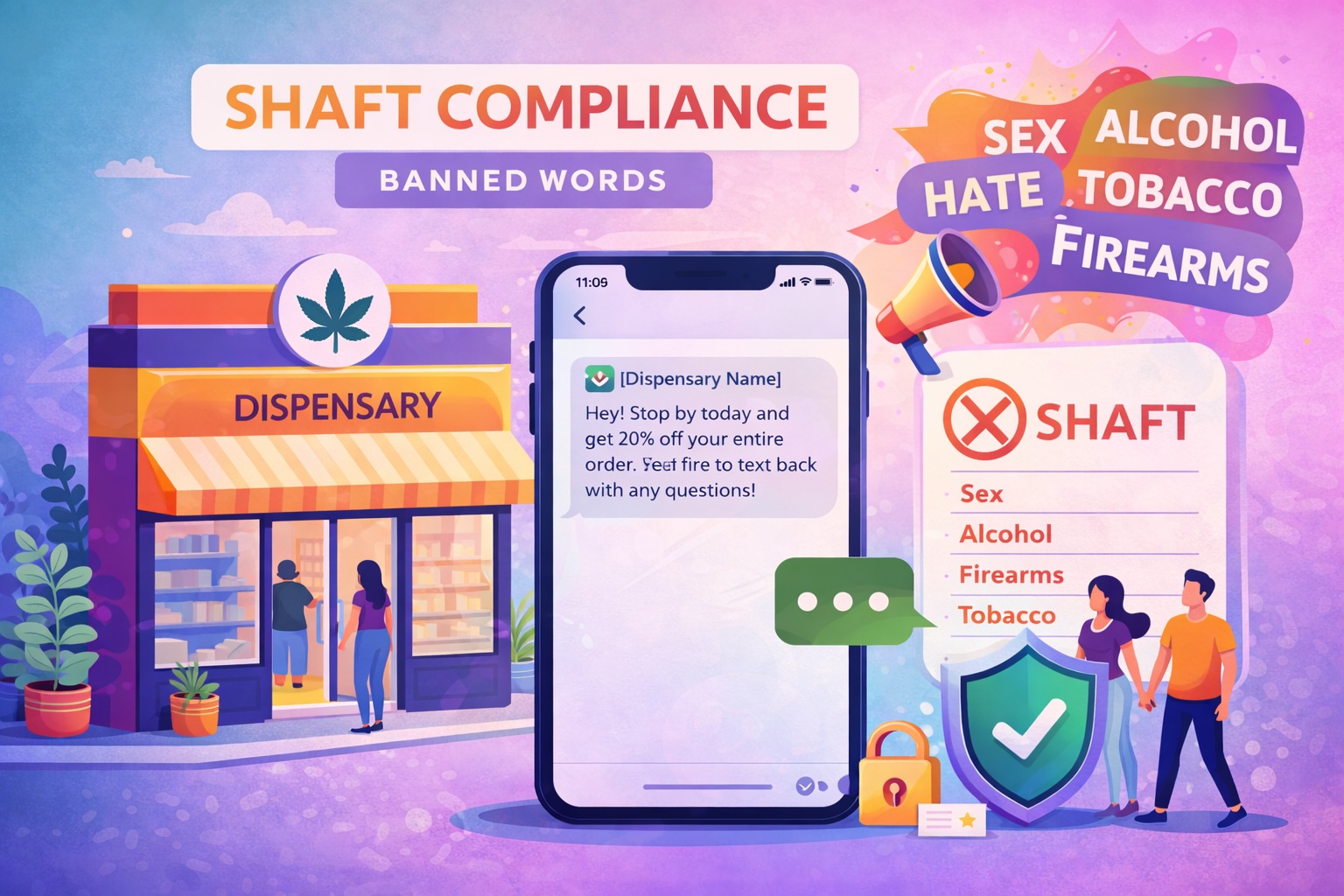
- What Is SHAFT Compliance?
- Why Provider Eligibility Comes Before Wording
- What an SMS Banned Words List Can and Cannot Tell You
- Why a Dispensary Message May Be Filtered
- How to Review a Failed Message
- What to Check Before the Next Campaign
- Common Questions About SHAFT and Cannabis SMS
- Choose a Supported Messaging Workflow
For a dispensary, a banned-words check is not enough to establish that an SMS campaign is allowed. Start by confirming whether the provider supports your business and intended use. Then review the message, linked content, recipient consent and sending requirements.
SHAFT is shorthand for restricted content categories. It is not a universal list of words you can remove to make cannabis messaging acceptable. Rewording a message cannot resolve a provider policy that excludes the business itself.
What Is SHAFT Compliance?
SHAFT stands for sex, hate, alcohol, firearms and tobacco. Providers use the term when describing restricted messaging categories, but the conditions are not identical for every category, destination or number type. For example, Telnyx’s published policy distinguishes conditional alcohol use cases from categories it prohibits.
Read the actual policy rather than treating the acronym as a complete rulebook. Legal requirements, provider policies and campaign approval are separate questions.
Why Provider Eligibility Comes Before Wording
Cannabis is not one of the five letters in SHAFT, but a provider may address it through a separate restriction. Twilio’s cannabis and CBD documentation, for example, states that these businesses cannot use its SMS and MMS services in the United States and Canada, even when the message does not mention cannabis.
That example describes Twilio’s policy. It does not establish the terms of another platform or confirm which infrastructure a platform uses. Ask your provider to confirm your actual business, destination, number type and messaging use case before sending.
What an SMS Banned Words List Can and Cannot Tell You
A content checker can help identify wording that needs review. It cannot establish permission for a business or campaign that the provider does not support. A message that passes a word check can still conflict with the provider’s rules.
Do not use deliberate misspellings, misleading links or additional numbers to disguise the traffic. Twilio’s Messaging Policy expressly prohibits intentional misspellings and spreading similar messages across numbers to evade unwanted-message detection.
Why a Dispensary Message May Be Filtered
Do not assume one word caused a failed delivery. Telnyx’s policy describes enforcement based on content, customer complaints, opt-out rates and sending patterns, as well as the overall use case.
How to Review a Failed Message
Keep the provider’s delivery status and error code, the approved use case, the exact message and its destination page together when investigating. A failed message needs a diagnosis before another send. Use the dispensary SMS troubleshooting guide to organize that review.
What to Check Before the Next Campaign
- Confirm eligibility. Have the provider review the business, recipients’ destinations and intended message type.
- Check the approved program. Confirm the sender, registration and content match the use case the provider supports.
- Review recipient permission. Keep the signup disclosure and consent record, and honor withdrawals. See the opt-in and consent guide.
- Review the complete message. Check sender identification, age controls, opt-out instructions and linked pages with the provider.
- Resolve failures before retrying. Follow the provider’s documented correction process rather than rotating numbers or repeatedly resending.
CTIA’s Messaging Principles and Best Practices are voluntary industry guidance covering consent, opt-outs and unwanted traffic. They also discourage spreading messages across numbers and using unauthorized messaging routes.
Common Questions About SHAFT and Cannabis SMS
Does removing cannabis terms make a campaign acceptable?
No. Removing terms does not change a restriction based on the business or use case.
Does customer consent override a provider’s prohibited categories?
No. Consent and provider eligibility must both be checked. One does not replace the other.
Is an order notification automatically exempt?
No. Ask about that specific use case. A business-level restriction can also affect non-promotional messages.
Choose a Supported Messaging Workflow
For a practical product overview, explore Blackleaf Texting. Texting works with supported existing POS systems without requiring a POS switch. Confirm the requirements for your store and intended campaigns during setup.
This article provides operational education, not legal advice. Have qualified counsel review the laws that apply to your actual program; a content check is not legal approval or a delivery guarantee.